¶ Schedule
¶ Overview
Manage the schedule, rooms, lobbies, events, and submissions here.
¶ Release Notes Links
Public Submissions
Limited Events
Phased Seat Release
Cancelled Event Restoration
Administrative Seat Management
Event Screen Overhaul
¶ Menu Breakdown
¶ Browse - Browse Events
¶ Manage - Manage the Event Schedule
Submissions- Review Event Submmissions
¶ Setup - Setup Event Schedule
Lobbies- Lobbies for attendee discussions and eventsEvent Types- Manage Event TypesRooms- Rooms where events take place
¶ Admin - Administrate Schedule
Settings- Manage Schedule Settings
¶ Common Procedures
Create a Lobby- Lobbies are a way to allow attendees to discuss topics and find related events.Create an Event Type- Types can be used to restrict what events can be scheduled in rooms.Create a RoomManage Spaces in a RoomManage Scheduled Events- TBDPrint a Seat Report
¶ Browse
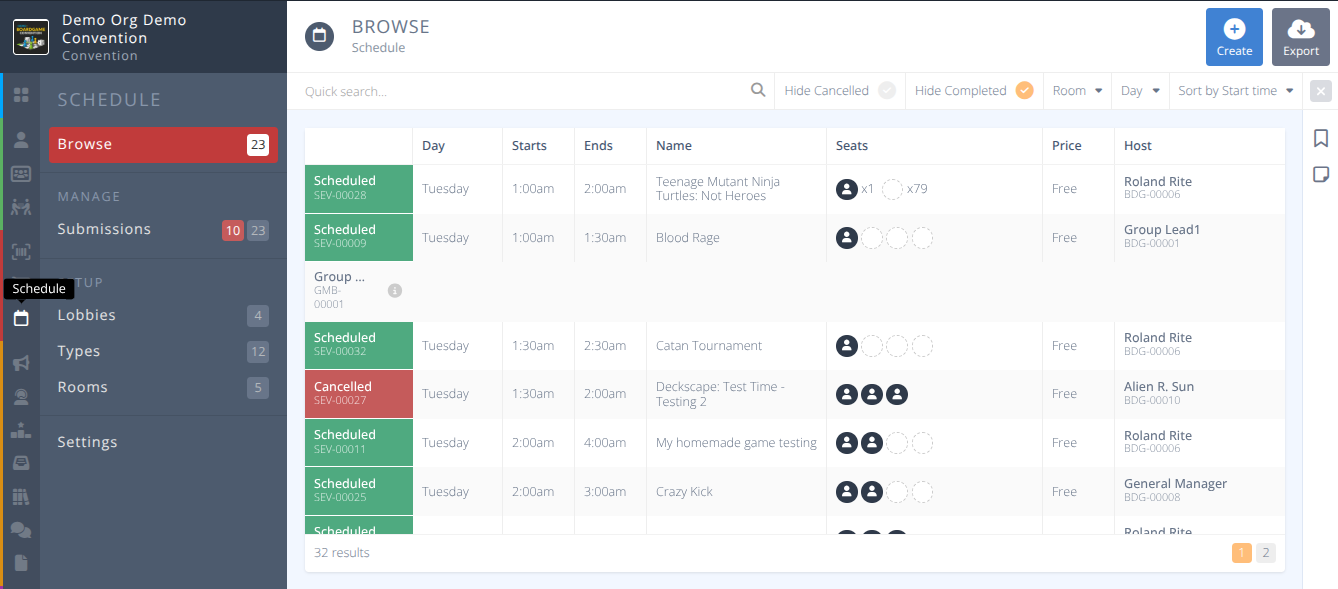
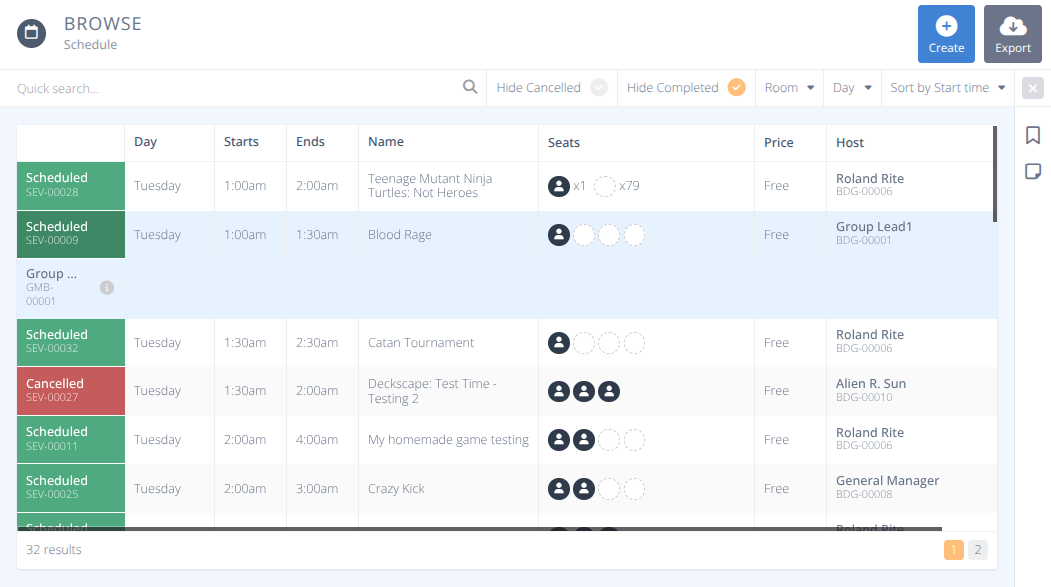
From the menu click to view the grid of all events. Selecting a row will display the details of that event. As with all of the grids the Quick search and filter options are shown above the grid. Select any option to filter the records. Click the to clear the current filters.
Note: The default view hides completed events. If the event you are looking for has already occured be sure to deselect the Hide Completed filter.
¶ Detailed View
Events are one of the more detailed portions of the system. To aid with clarity the details of events are covered on the Event Details screen.
¶ Procedures
¶ Print a Seat Report
- From the menu select the sub-menu.
- Filter the events you wish to print seat reports for using the Quick search... or filter options as needed.
- Click the button.
Note: Individual event Seat Reports may be generated from the Detailed Event View of the specific event. - A side panel Print Seat Reports will open that will show that the report is being generated.
- Once completed it will indicate that Your file has been generated. Click to download the PDF file.
If multiple pages are requierd for an event the Convention Name, Event Name and Event Identifier will be reprtinted as a header and the page count for that event will be added as a footer in the bottom right corner of each page.
- Ticketed events are not currently indicated on Seat Reports
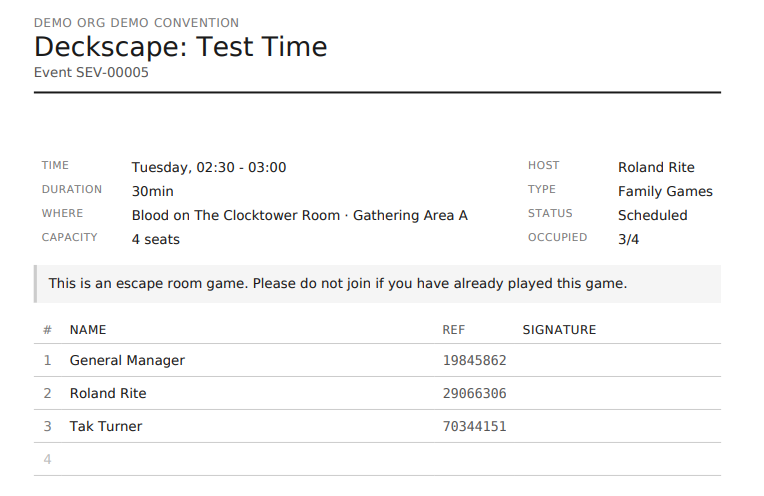
¶ Sample Seat Report