¶ Event Details
Due to the number of possible configurations for events clicking on an event will take you to a detailed view of the event. The general working of this area of the system mirrors that of other areas. To back out to the Schedule view click the left chevron/arrow in the top left of the screen.
¶ Menu Breakdown
¶ Overview - A high level overivew of this event.
¶ Manage - Manage certain details of the event.
Participants- View and manage the list of participants to the event.
¶ Setup - View and manage the details of the event.
About- View and manage the basics of the event.Schedule- View and manage the assigned room/space and date/time of the event.Seats- View and manage the seat settings for the event.
¶ Overview
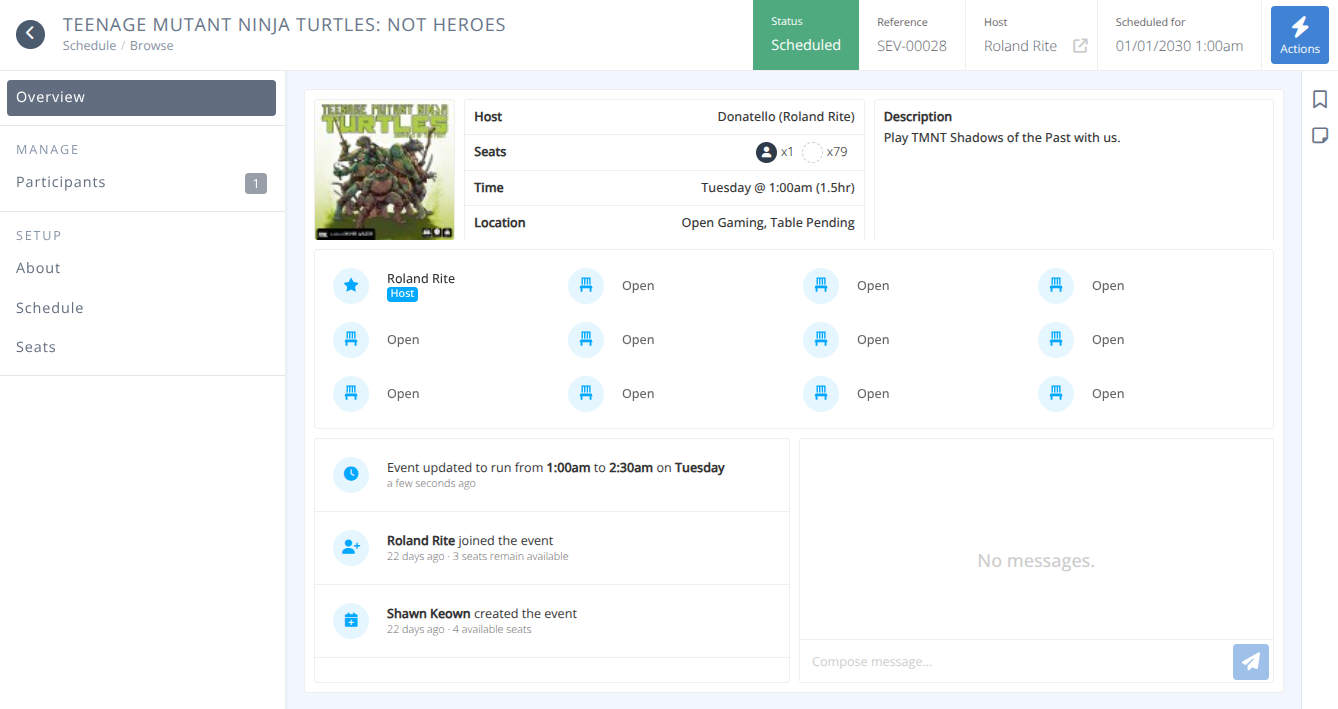
The overview screen shows the breakdown of the event highlight all of the summary information needed regarding the event.
¶ Common Procedures
-
Add a Participant- Administratively add a participant to an event. -
Clone Event- Clone all of the settings of the event to create a new one. -
Cancel Event- Cancel the event.
¶ Fields
Event Name- The name of the event is shown in the top right of the screen.Status- The status of the event, either:
Drafting - The event is still being created and details have not been finalized.
Scheduled - All of the mandatory details of the event have been provided and the event is available to attendees.
Cancelled - The event has been cancelled and will no longer take place.
Limited - The event is pending approval and is visible if the settings allow.Reference- The internal reference for this event.
Host- The actual host of the event. Clicking on the link box will take you to the detailed badge of the host.Host- The name of the host of the event. This can be either a custom name or the actual name.Seats- A summary of the seats for this event showing occupied, available, and blocked seats.Time- The date and time of the event.Location- The room and table where the event is being held.Description- The provided description of the event.Seats- A scrollable container showing a visual breakdown of the seats and who has occupied them.Actions- Recent actions related to the event (e.g. joining/leaving an event, creation and modifications made)Messages- Any communication that has taken place in the event. Administrators can post new messages here as well.
¶ Procedures
¶ Clone Event
- Click the button from the menu.
- You will be notified that the event will be copied but set to draft status so that it may be reviewed and edited before it is made live.
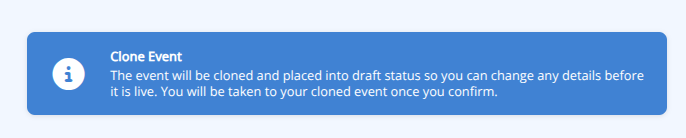
3. Click to clone the event.
4. You will be taken to the newly cloned event to edit it. Be sure to adjust the schedule to prevent duplicate events at the same space.
¶ Cancel Event
- Click the button from the menu.
- You will be presented with a confirmation screen. Carefully read the options and provide a cancellation reason that will be shown to attendees.
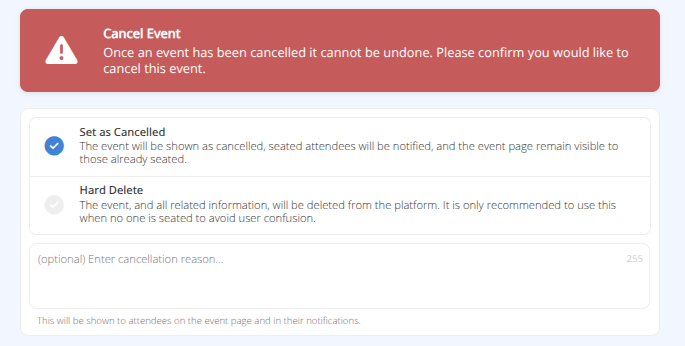
- Click to complete the process.
- If the selection was to Set as Cancelled The event will display as cancelled and all participants will be notified of the cancellation.