¶ Setup
¶ Overview
The Setup section of holds the settings that shape how your Sales Items are sold: where attendees find them, what they pay on top of the price, what discounts apply, and how you group and track them.
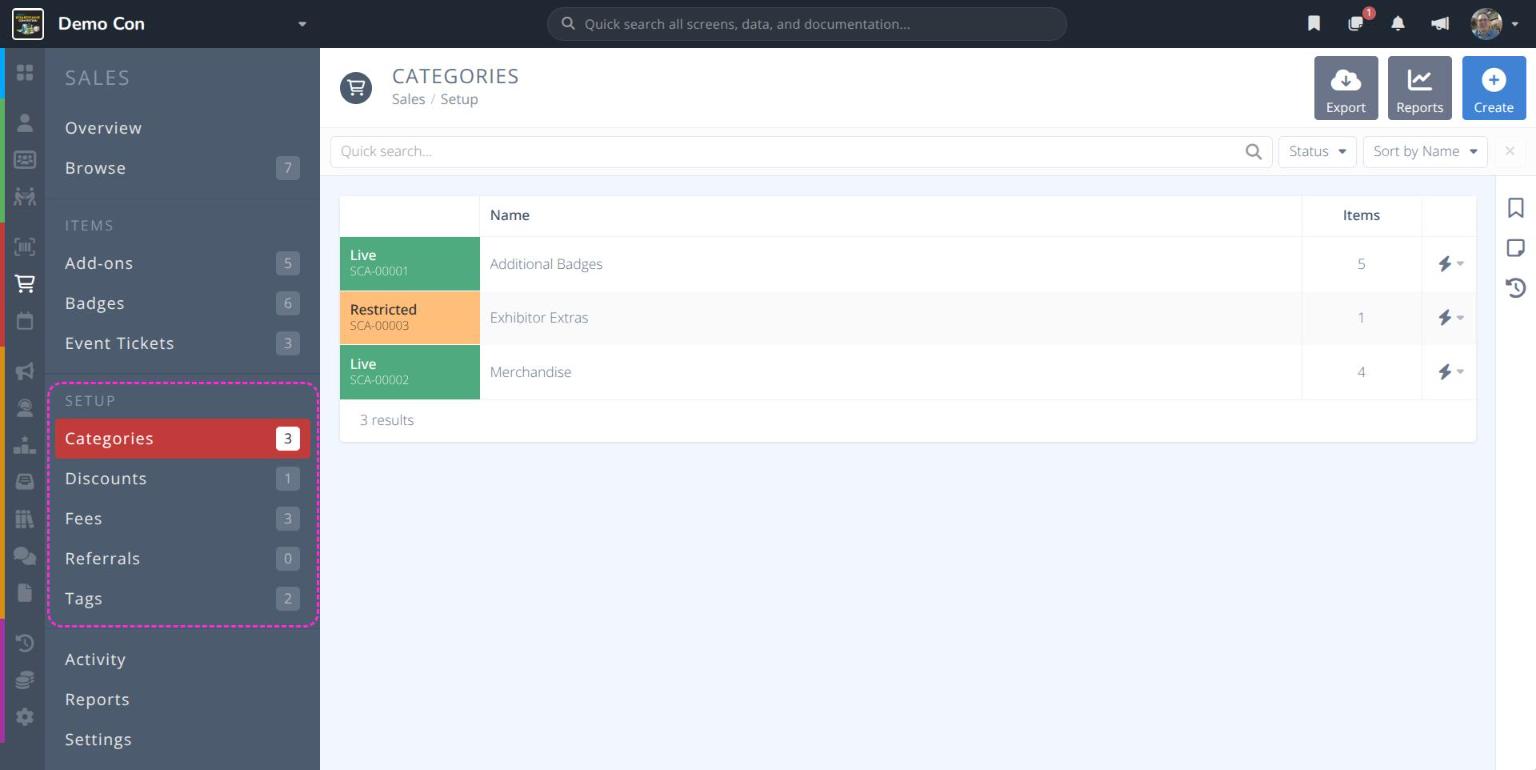
From the menu, look for the SETUP heading in the side menu.
¶ Menu Breakdown
Categories- Store categories that attendees browse to buy additional badges and add-onsDiscounts- Discount codes that reduce the price of eligible itemsFees- Platform fees, and custom fees you add to salesReferrals- Referral codes that track which sales came from a partner or campaignTags- Internal labels for grouping, filtering and reporting on sales items
¶ Which Setting Do I Need?
| I want to... | Use |
|---|---|
| Sell merchandise or extra badges in the online store | Categories |
| Show a set of items only to certain attendees, such as exhibitors | Categories with restricted visibility |
| Decide whether attendees or the convention pay the platform fees | Fees |
| Add a charge of my own, such as a service fee | Fees (custom fee) |
| Give a reduced price with a code, such as a volunteer discount | Discounts |
| See how many sales came from a partner, store or social media post | Referrals |
| Group items so I can filter and report on them, such as all merchandise | Tags |
Note: Attendees never see Tags, and only see Referral codes if you share them. Categories, Discounts and the Fees you pass on are all visible to attendees when they buy.
¶ Recommended Setup Order
- Review your fees. Decide whether the convention absorbs the platform fees or passes them on to attendees, and add any custom fees. See
Fees. - Create your sales items. See
BadgesandAdd-ons. - Create store categories and add your items to them, so attendees can buy them in the store. See
Categories. - Add tags (optional) to group items for reporting. See
Tags. - Create discounts and referral codes (optional), once your prices are set. See
DiscountsandReferrals.
Tip: Set up fees before you start selling, so attendees see the final price from the start.