¶ Organization: Library
¶ Overview
Your game library belongs to your organization, so every convention you run shares the same library. You only need to set it up once. Games you add here appear in each convention's , and the other way round.
You only need a library if you lend games at your convention, e.g. with Checkout or Play to Win. You can set it up later.
From your organization's menu, click .
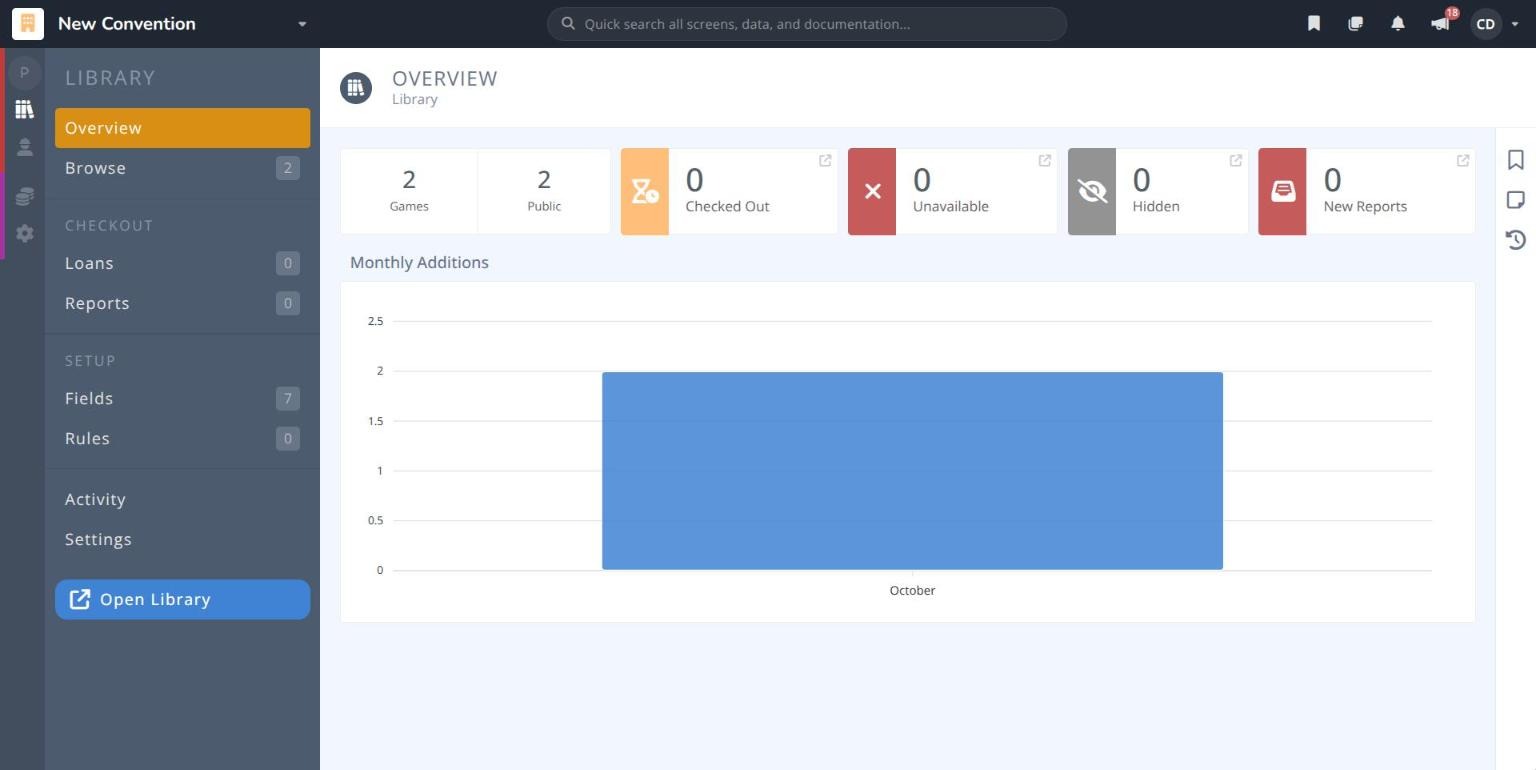
¶ Menu
The organization's Library menu is the same as a convention's, so the steps are the same too. See Library:
- Overview and Browse - Your games. See
Import GamesandAdd a Game.- - Download your games as a CSV file.
SeeExport the Library.
Your organization's export includes Label Reference, All-Time Checkouts and Date Added, but not Convention Checkouts, because it covers all your conventions.
- - Download your games as a CSV file.
- CHECKOUT - Loans and Reports from all your conventions. See
Checkout. - SETUP -
FieldsandRules. - Activity and
Settings- Including a link to your own library website, if you have one. - Open Library - Your library as attendees see it.
Warning: RESET LIBRARY in Settings deletes every game and field for all your conventions, and cannot be undone.
¶ Next Steps
Import Games- Add your whole collection from a spreadsheet.Checkout- Lend games to attendees.