¶ Groups: Events
¶ Overview
The Events screen lists the events run by your groups, once they are on the schedule. To review events groups have submitted, see Groups: Submissions.
From the menu click in the CONVENTION group.
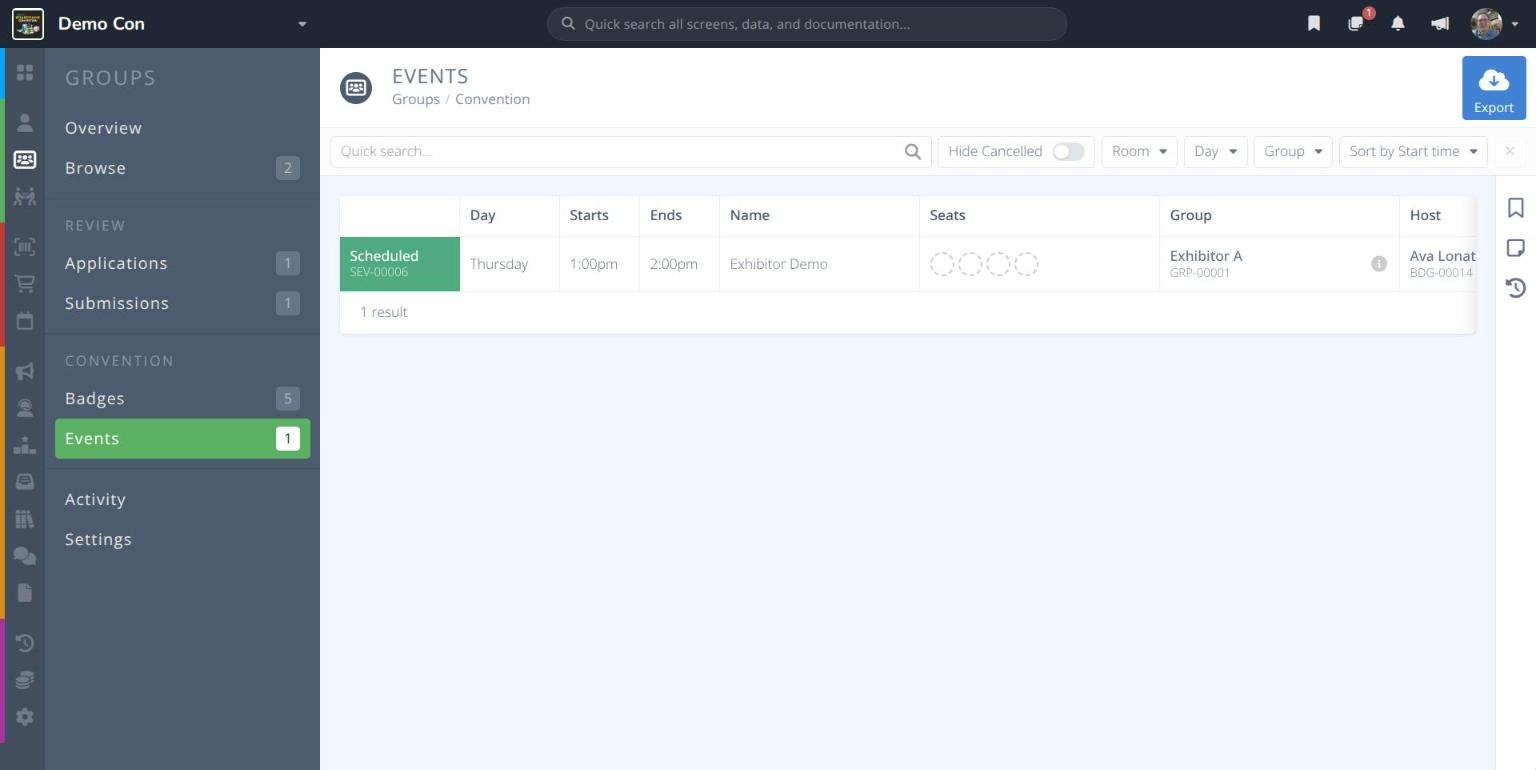
Each row is one event. It shows its status and reference (e.g. SEV-00001), the Day, when it Starts and Ends, its Name, its Seats (filled seats are shaded), the Group running it, and the Host.
To find events, use the Quick search... box, Room, Day, Group and Sort by. Turn on Hide Cancelled to hide cancelled events. Click a row to open the event. See Event Details. Click to download the list as a CSV file.
¶ Common Procedures
¶ Procedures
¶ Find a Group's Events
- From the menu click .
- Choose the group in Group.
- To see one day, choose it in Day.
You can also open a group and click on its Scheduled total.
¶ Next Steps
Event Details- Change, cancel or manage the seats of an event.Groups: Settings- Weighted hours and the group timeline.