¶ Volunteers: Cancelled
¶ Overview
The Cancelled screen lists every assignment that was cancelled, whether by the volunteer, by an organizer, or automatically when a slot filled up or was removed.
From the menu click in the ASSIGNMENTS group.
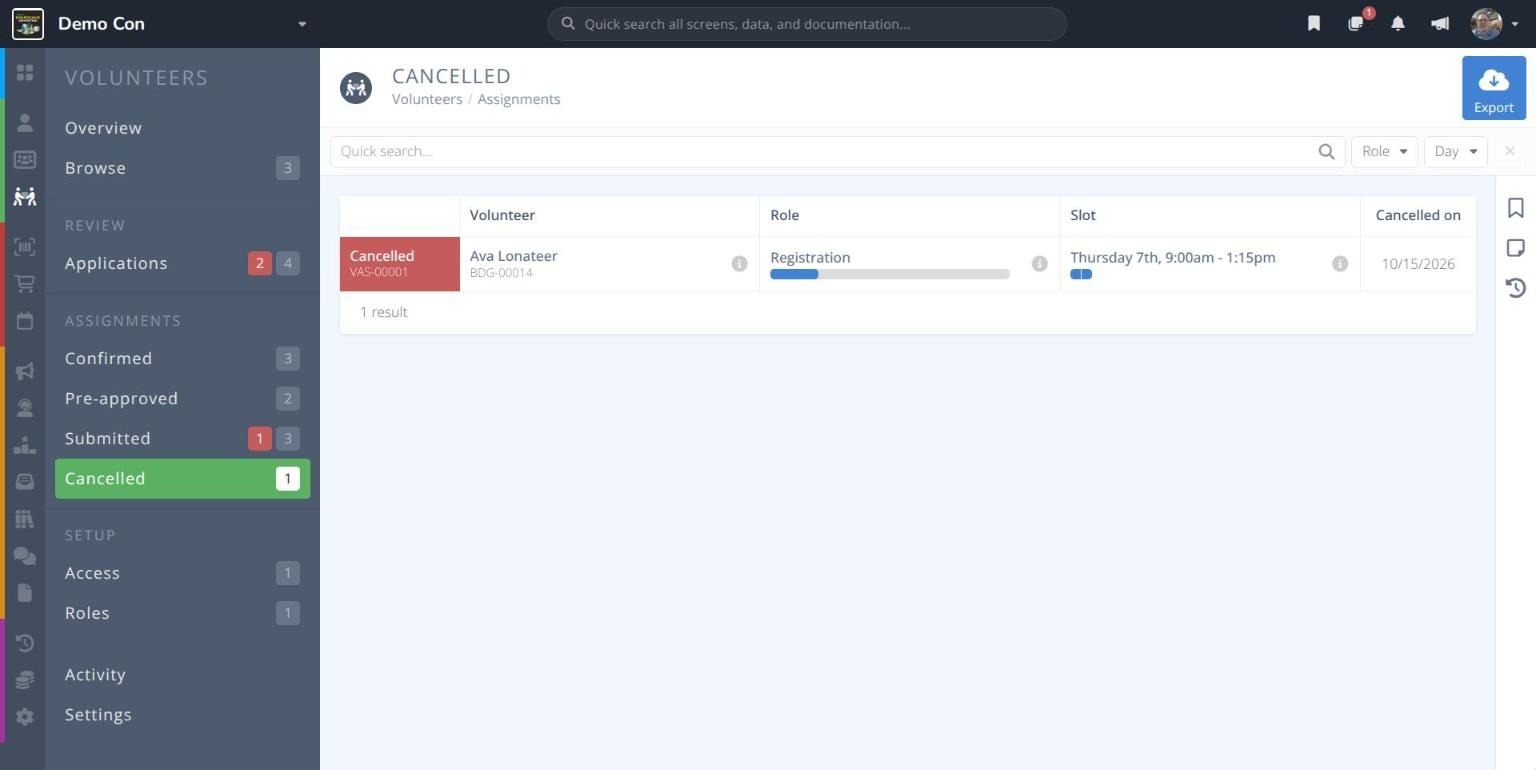
Each row is one assignment. It shows its status and reference, the Volunteer, the Role and Slot, and when it was Cancelled on. To find assignments, use the Quick search... box, Role and Day. Click to download the list as a CSV file.
To put a volunteer back in a slot, add a new assignment. See Add an Assignment.
¶ Next Steps
Volunteers: Settings- Choose whether and until when volunteers can cancel their own slots.