¶ Usage: By User
¶ Overview
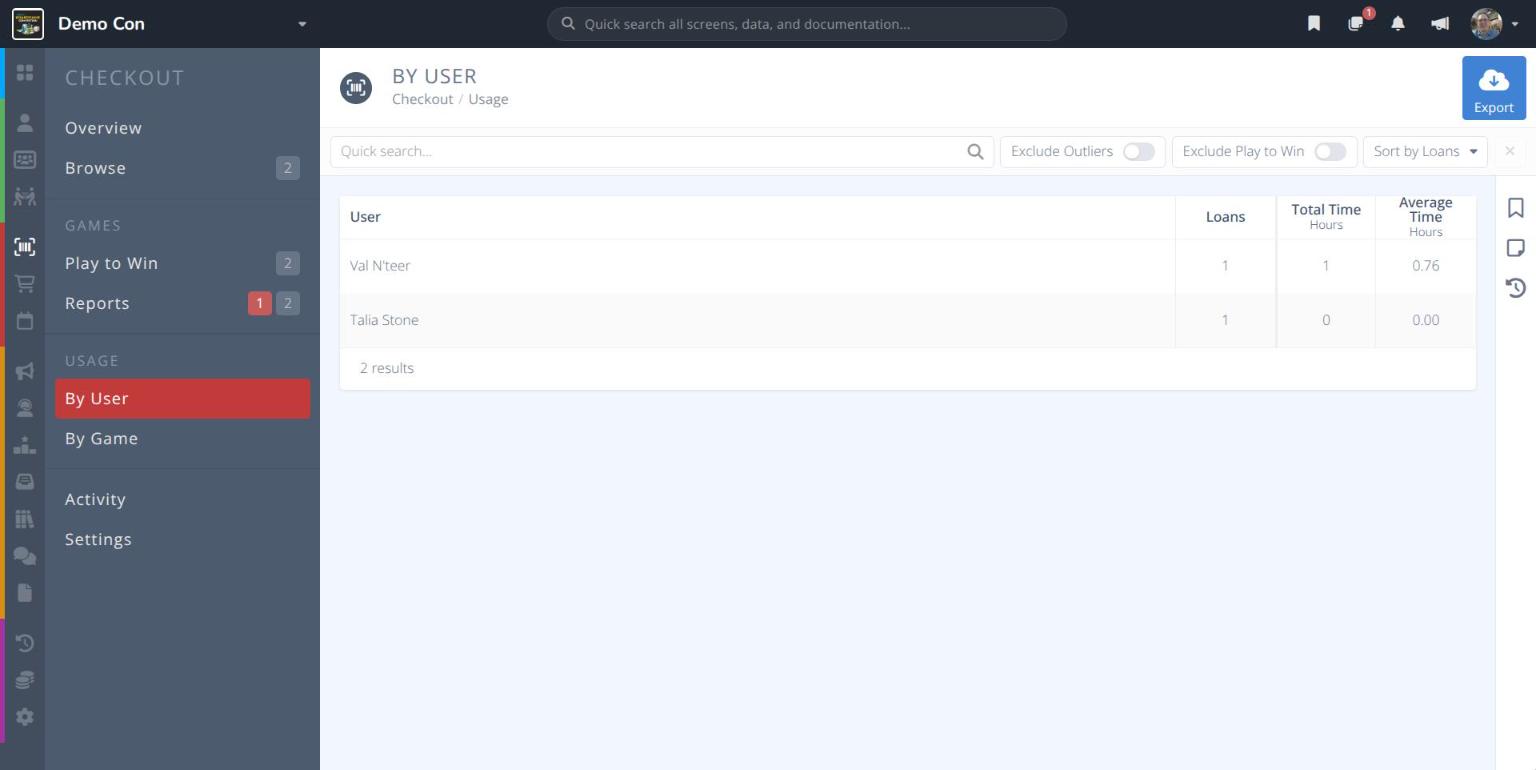
By User lists each attendee who has borrowed a game from your library, with how many games they borrowed and how long they had them. Only the attendee who checked the game out is counted, not the other players on the loan.
From the menu click in the USAGE group.
¶ Common Procedures
¶ By User Screen
Each row shows:
- User - The attendee who borrowed the games.
- Loans - How many games they have borrowed.
- Total Time - The total hours they had games checked out.
- Average Time - The average hours per loan.
To change what is counted:
- Exclude Outliers - Leave out loans shorter than 5 minutes or longer than 10 hours, such as games checked out by mistake or not checked in overnight.
- Exclude Play to Win - Leave out loans of Play to Win games.
Use the Quick search... box to find an attendee, and Sort by to sort by User, Loans, Total Time or Average Time.
Click to download the list as a CSV file.
¶ Procedures
¶ Find Your Most Active Borrowers
- From the menu click .
- Turn on Exclude Outliers to leave out loans that were too short or too long to be real plays.
- Choose Sort by Loans to see who borrowed the most games, or Sort by Total Time to see who spent the most time playing.
- To keep a copy, click .