¶ Common Blocks
¶ Overview
Common Blocks are useful for creating reusable components that can be quickly inserted into any page. Their advantage is that when updated all pages that use them will receive the update. This can be most useful for items that change with each convention. ie) Banners and Logos
¶ Common Procedures
¶ Fields
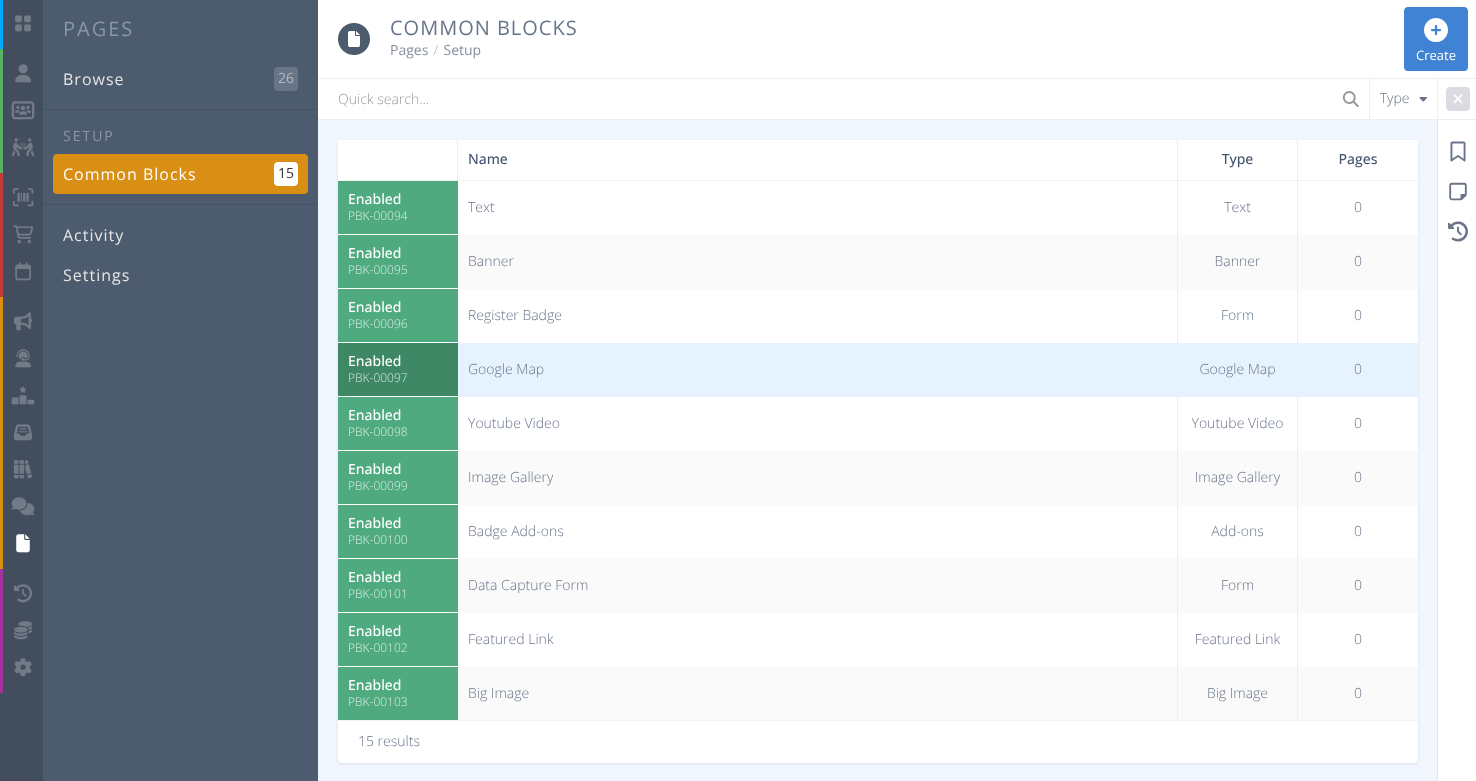
Name- The internal name of the Common Block used to find and select the block to be added to a page.Status- The status of the Common Block, either:- Enabled - The common block can be added to pages.
- Disabled - The common block can not be added to pages.
Type- The type of block to generate, one of:Name Description and Usage Details Context Notes 
TextA block of text to display basic information.
Supports: Bold, Italics, Underline, Hyperlinks, Headers, Left and Center alignmnet.All Contexts 
BannerAn image that will display across the width of the available screen
Size: Focus of image is centered
Width: Fill space
Height: 240px
Recommended Image Size: 1200 x 240pxAll Contexts 
Register BadgeA badge selector as seen on registration pages. Not currently used. 
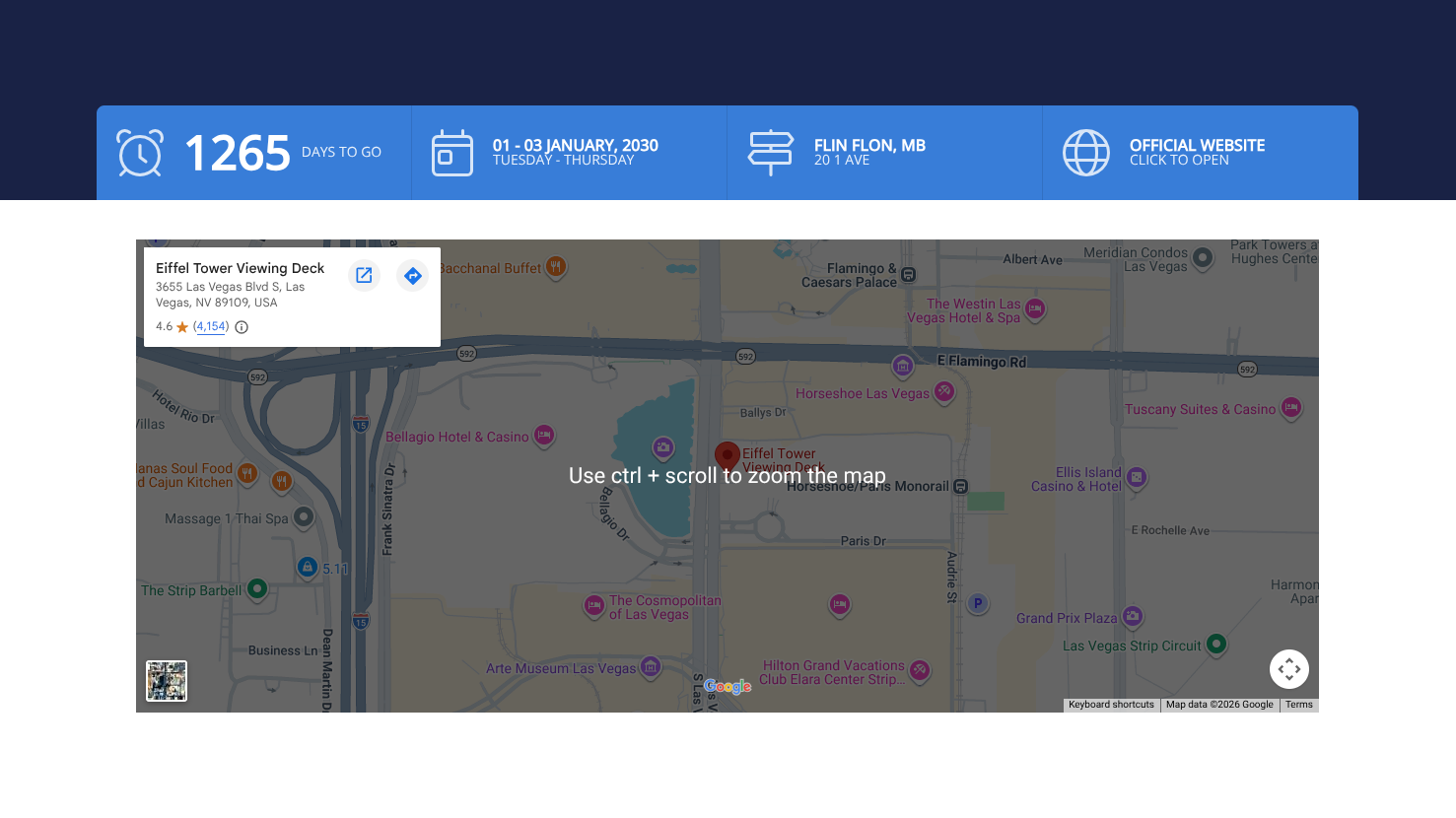
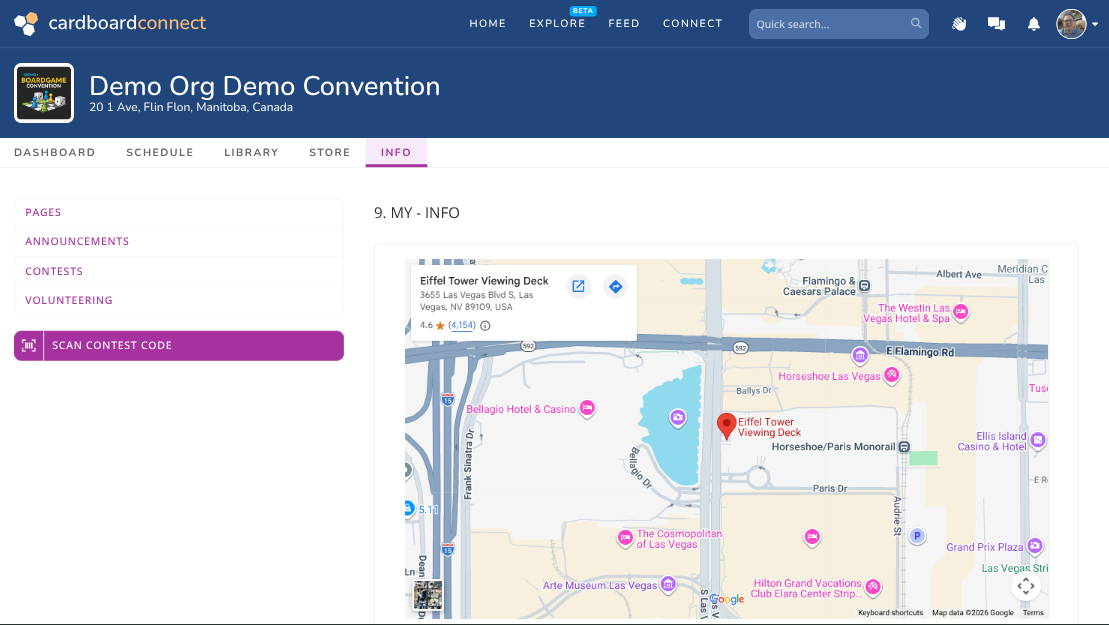
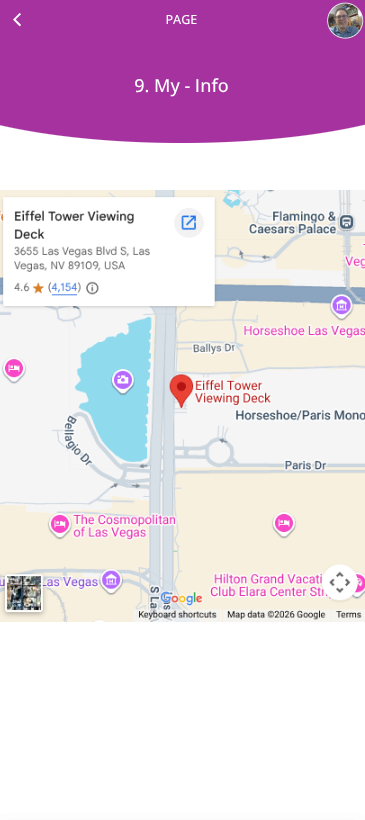
Google MapAn interactive Google Map or Street View.
Directions: From Google Maps select Share, Embed a Map, COPY HTML and paste into the Google Map field of this content block. Remove all text except for the URL inside the quotes of the src="" value.
Height: 483 pxAll Contexts 
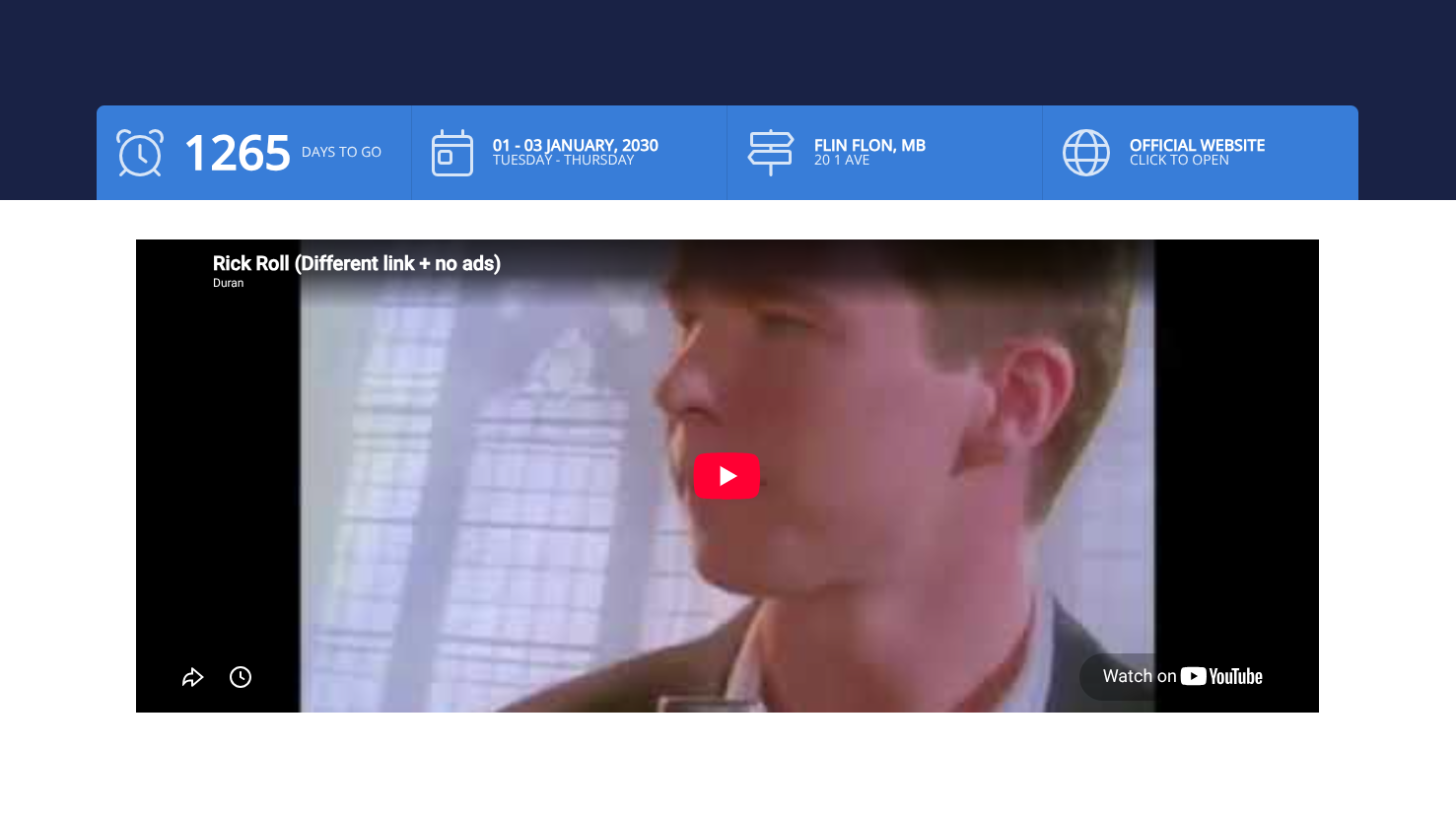
Youtube VideoAn interactive embeded YouTube Video. All Contexts 
Image GalleryTile view of several images. Click on an image to display full image including supplied Title and Text.
Size: Focus of images are centered
Width: 200px
Height: 200px
Fields: Title, Text (for each image)All Contexts 
Badge Add-onsAny Sales Items of type Add-on to buy during registration.
Fields: Title, List of Sales Items.Page Type:
Register Badge only
Data Capture FormA data capture form collected in Forms/Submissions Not currently used. 
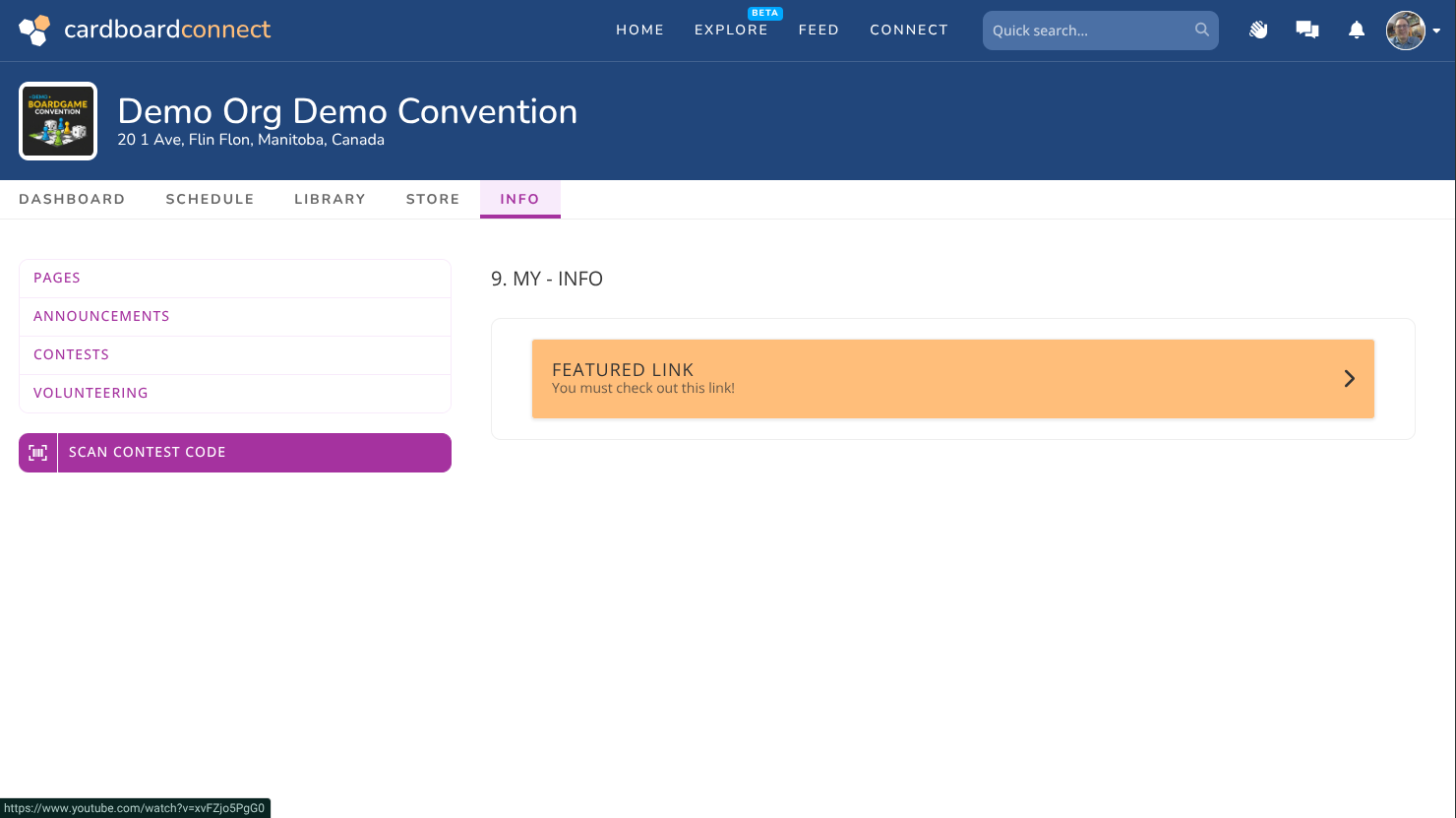
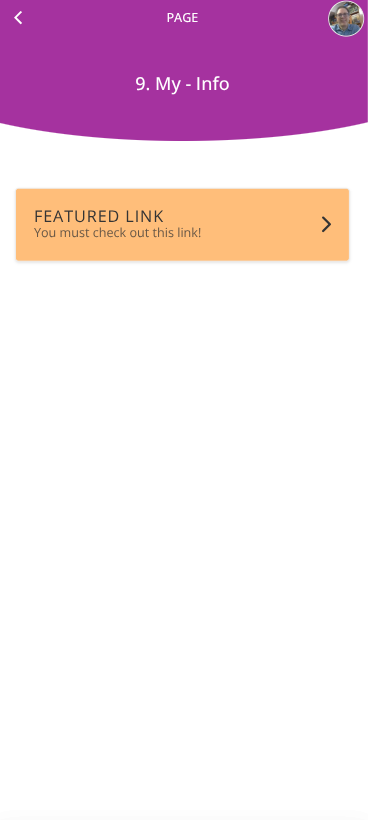
Featured LinkOpens supplied link in a new tab.
Fields: Title, Description and URL in format:
"http(s): //url"All Contexts 
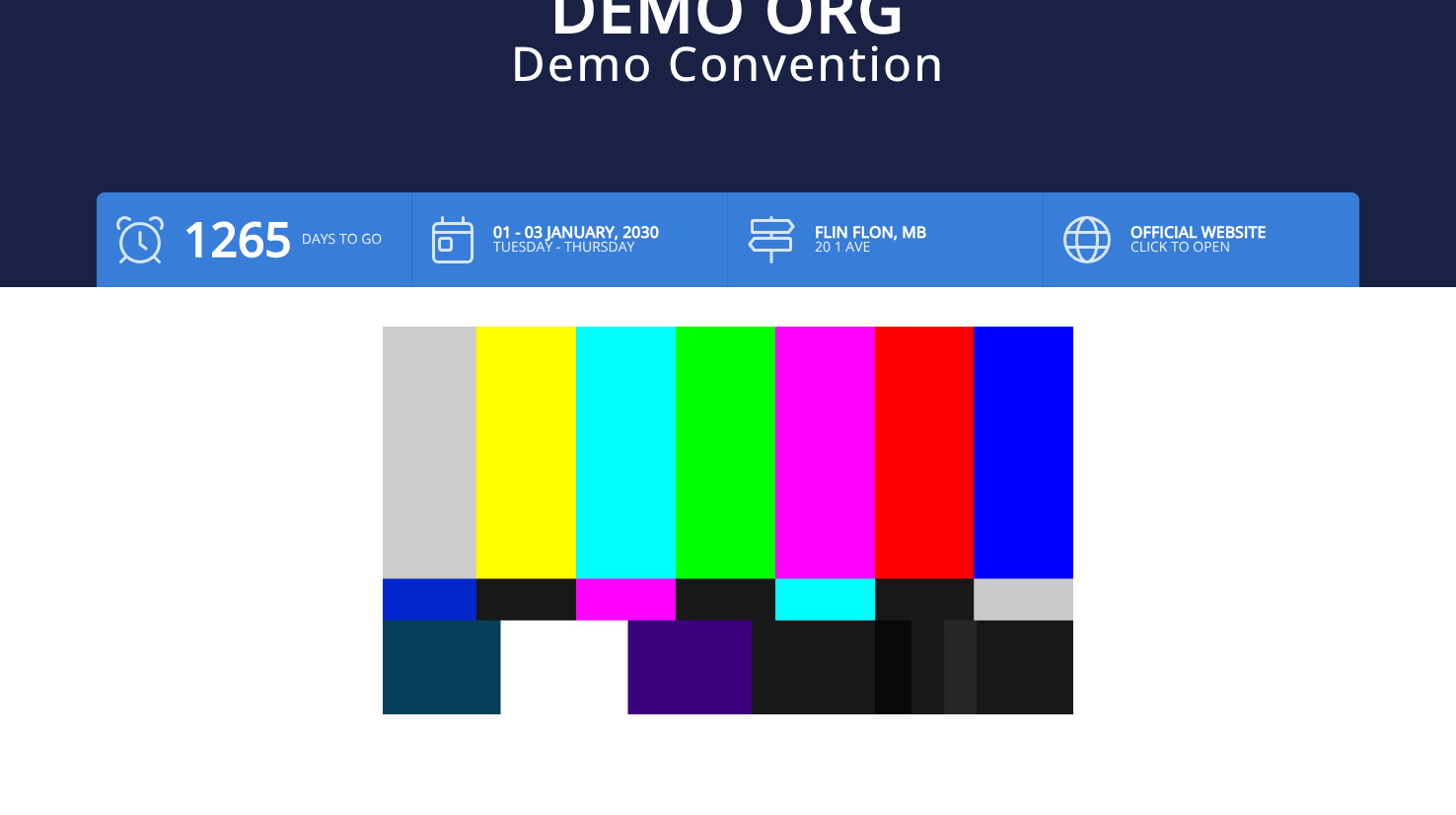
Big ImageFull size images.
Size: Scaled to show Full Image
Max Width: 100%
Height: AutoAll Contexts 
Third Party FormA data collection form for third party sales. Not currently used. 
Third Party ItemsItems that are for sale. These items do not require a badge to purchase. Page Type:
Third Party only
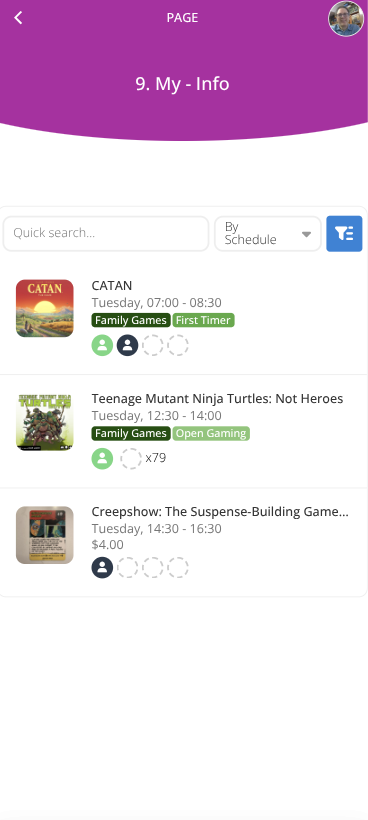
ScheduleA searchable and interactive schedule restricted to the specified combination of Days, Lobbies, and Rooms
Fields: Days, Lobbies, RoomsAll Contexts 
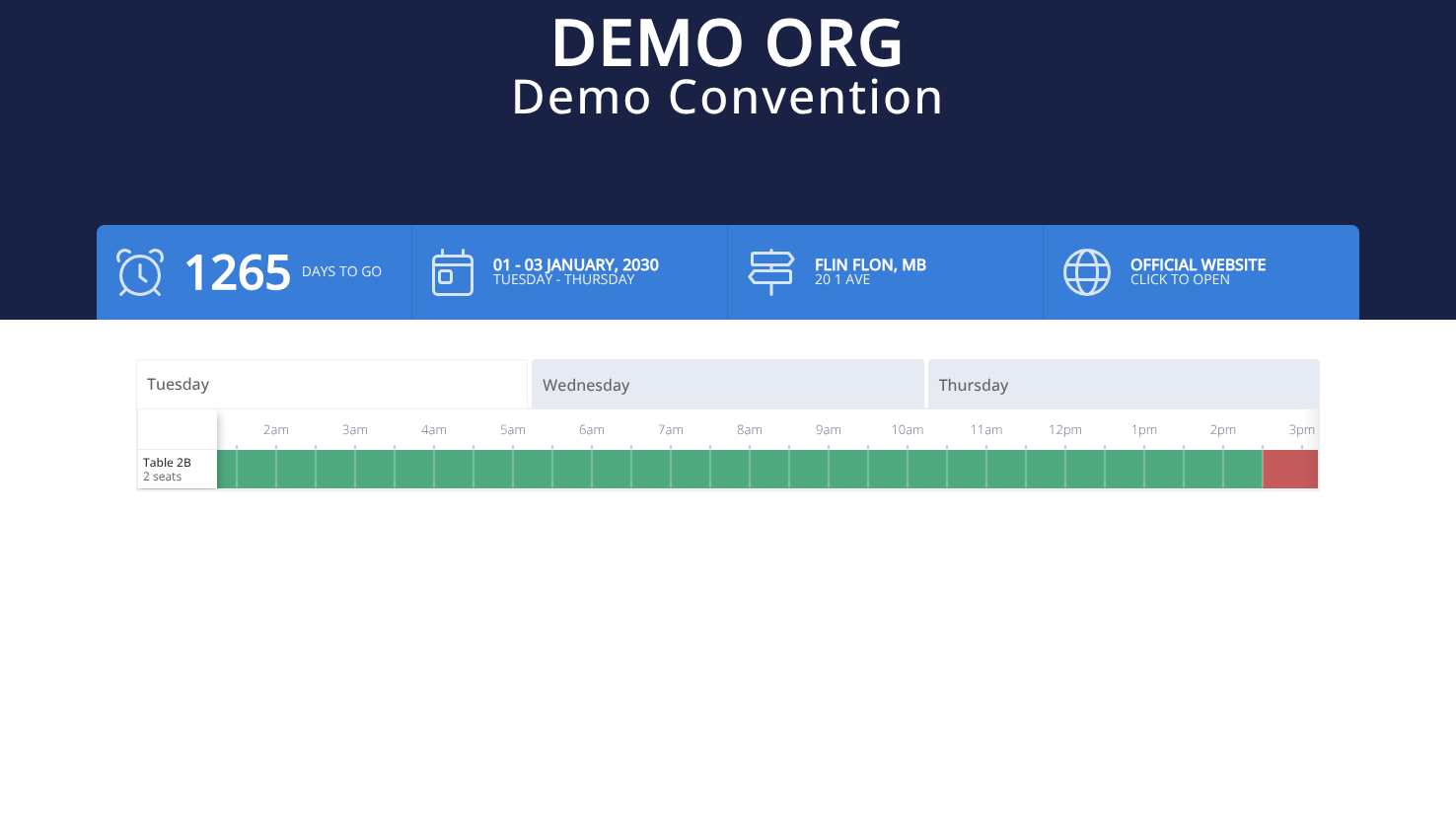
SpacesA generic graphical view of the occupancy of spaces in a room restricted to the specified days.
Fields: Room, DaysAll Contexts Pages- How many pages the Common Block is currently on.
¶ Procedures
¶ Create a Common Block
-
From the menu click the action button.
-
Enter the internal Name for the common block. This will help you locate it when selecting it to be added to a page. It is not displayed to the users.
(e.g. "Big Image - Logo") -
Select the Type using Fields as a reference
-
Click . The information will be saved and the empty common block will be shown.
-
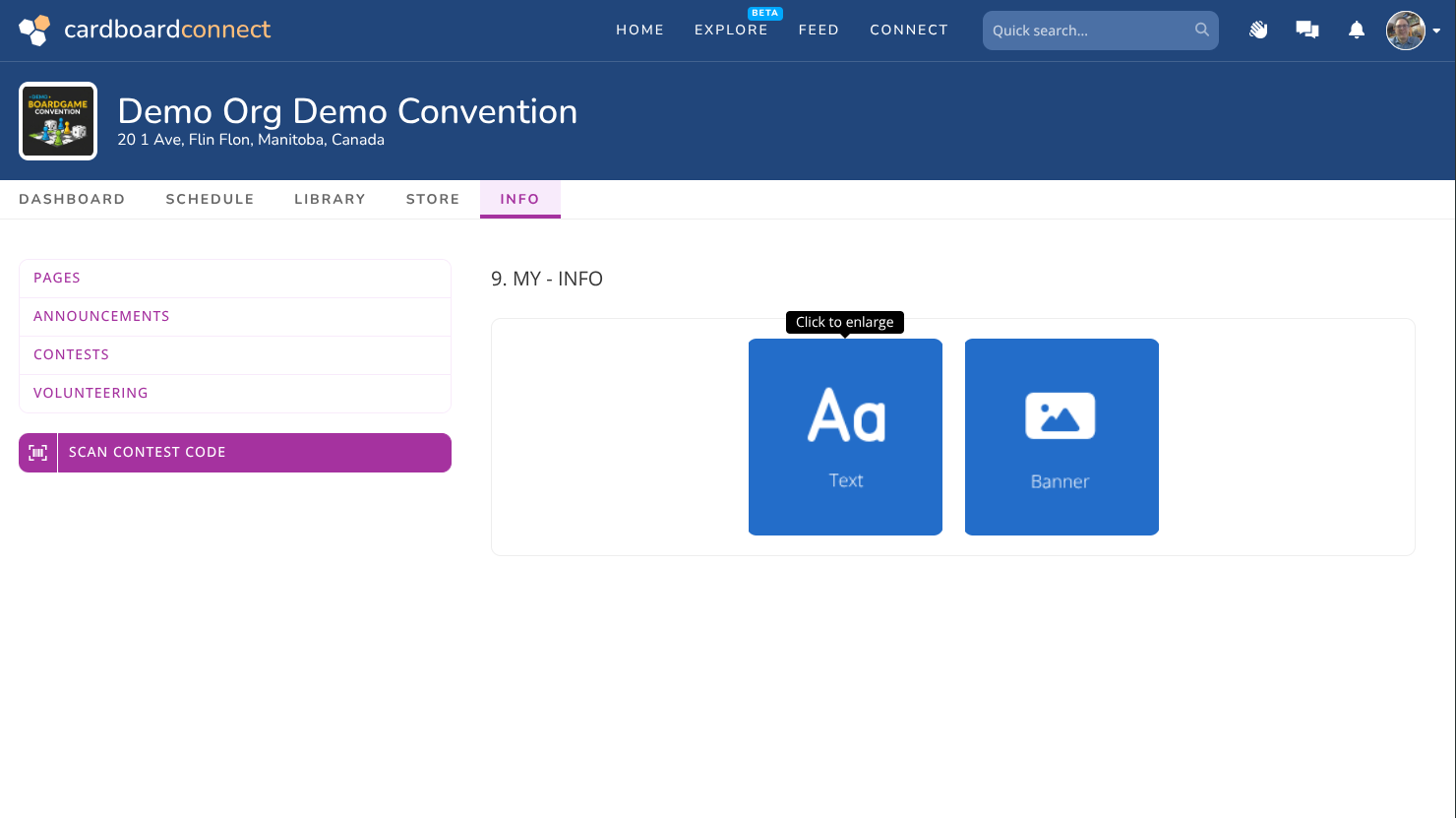
Click on the empty common block to configure and edit it. Select the option below for a sample configuration of that block.
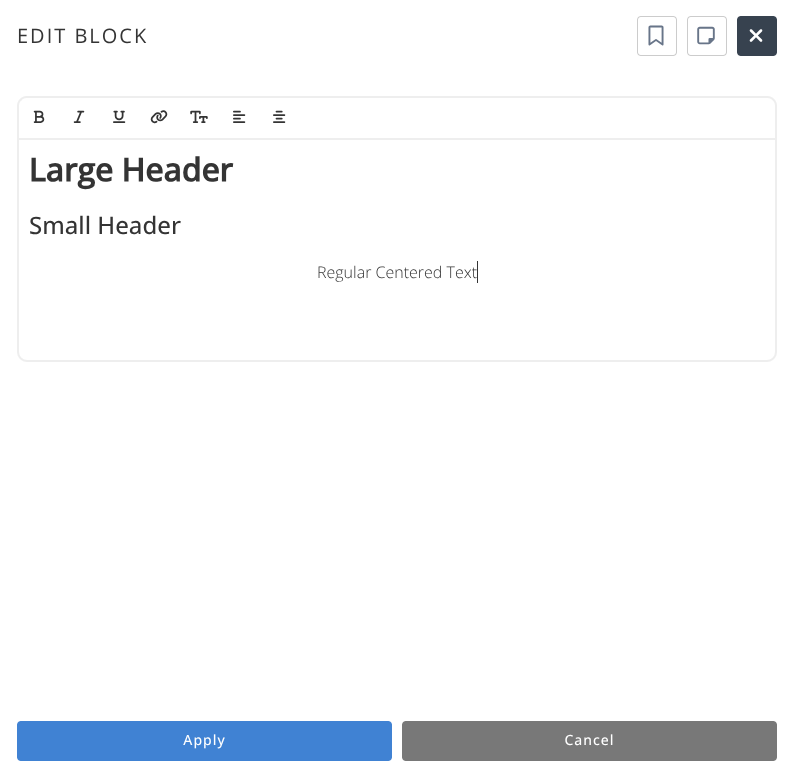
Basic Rich text can be entered into this block which is used for conveying information.
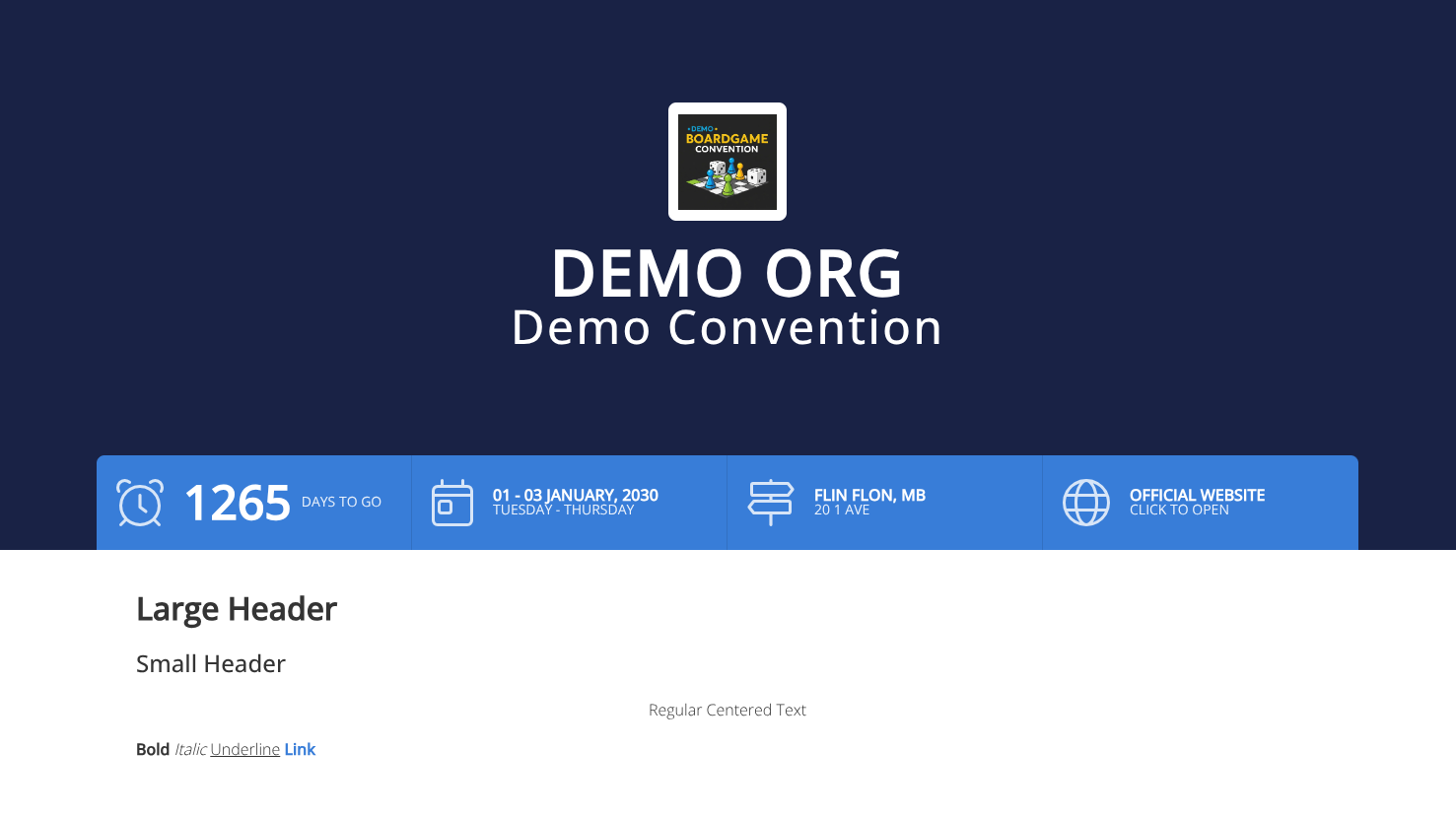
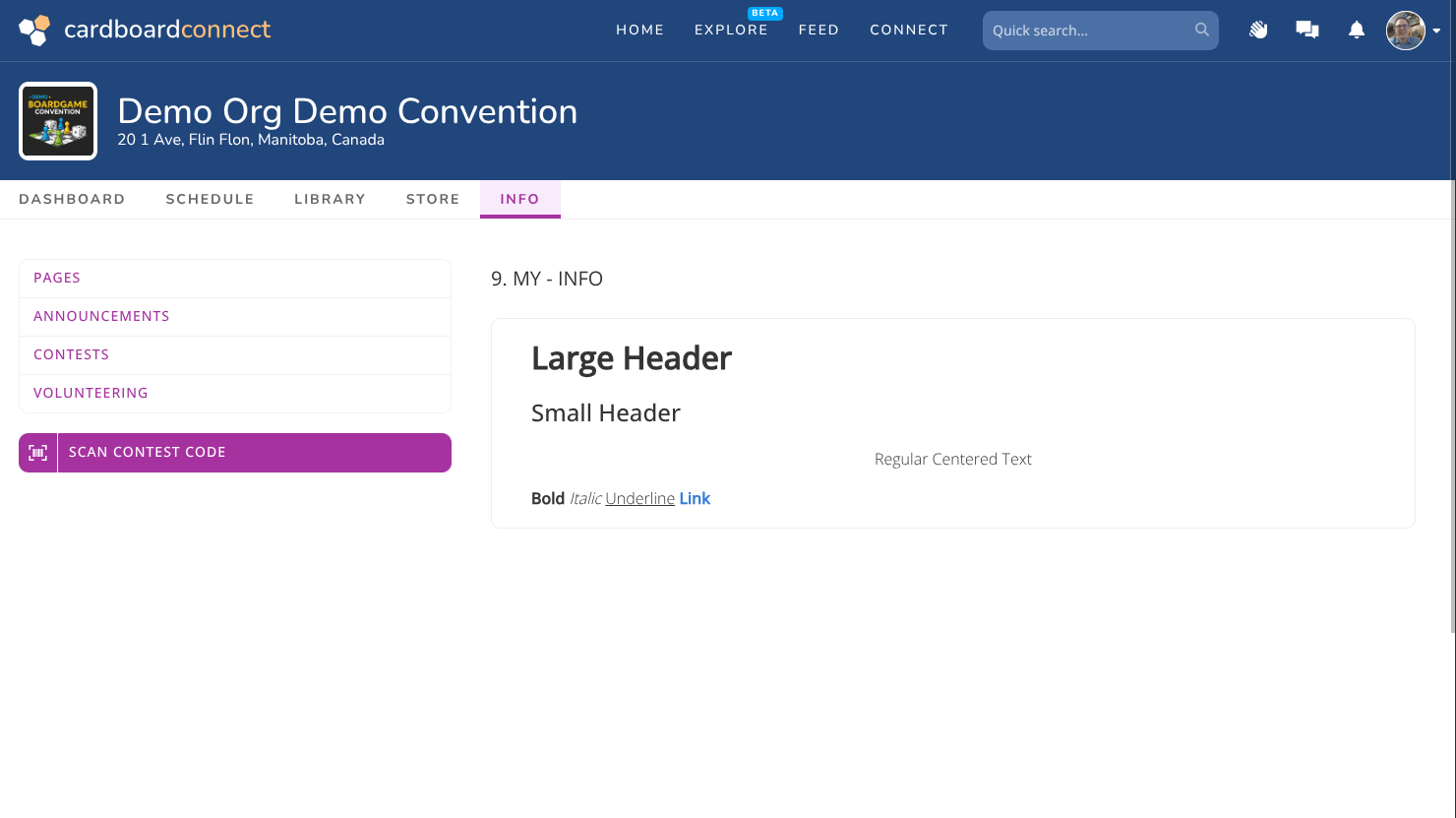
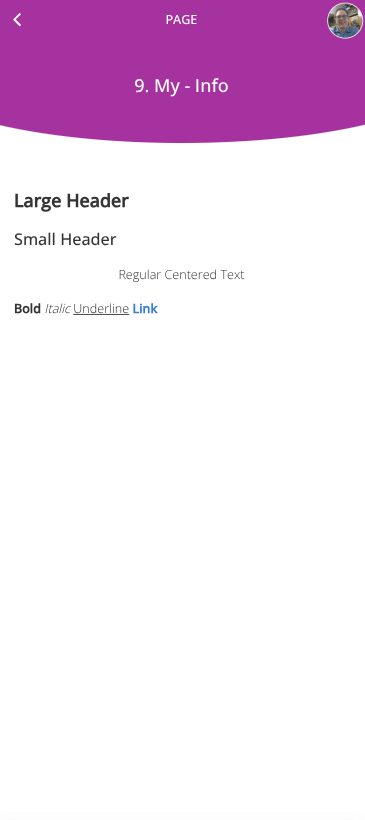
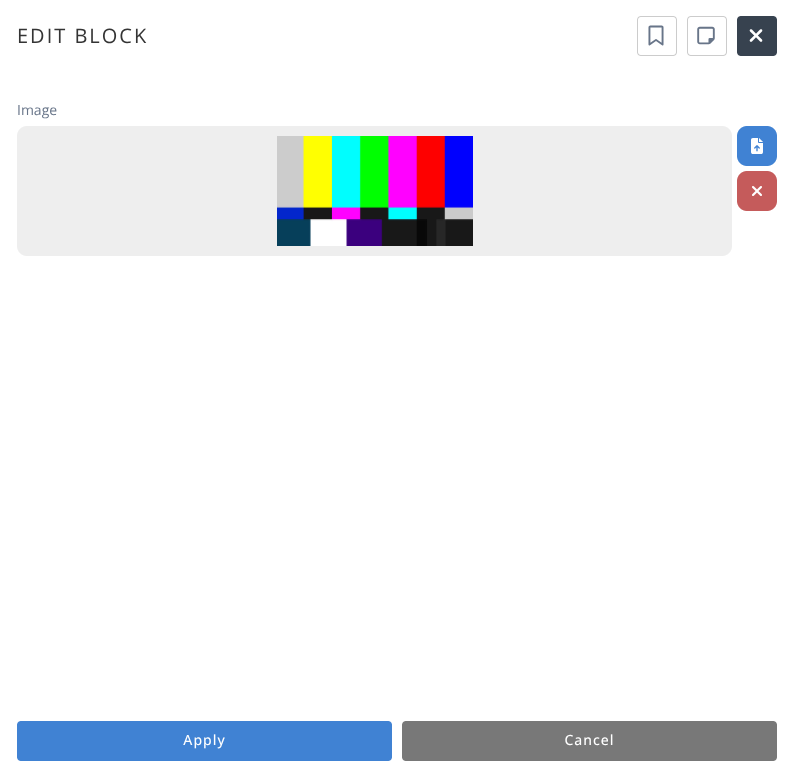
Banners will display the uploaded image using a fixed height of 240px cropping the edges and zooming to fit the width of the available screen.
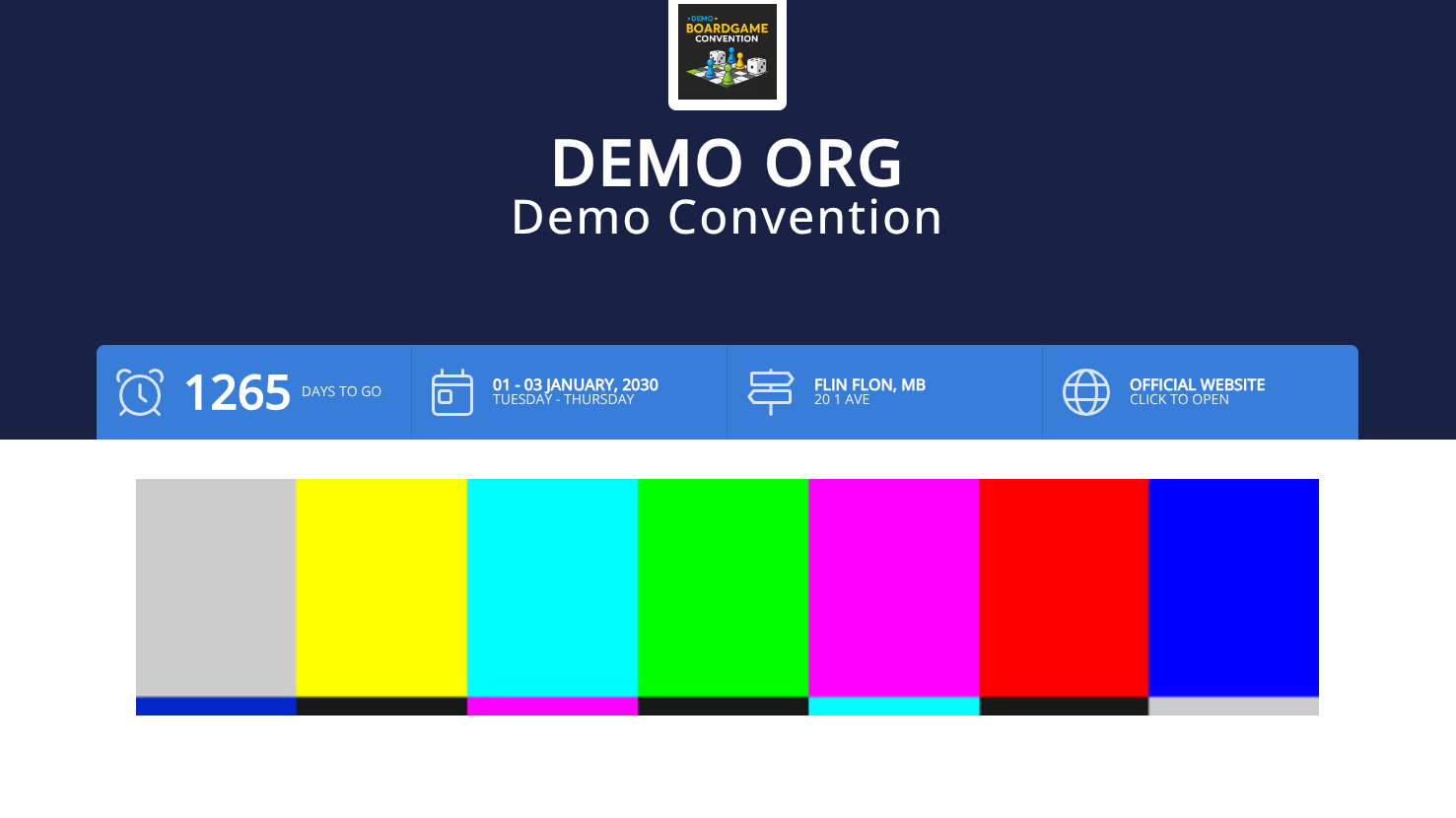

Tip: It is recommended to avoid images with text for banners as text may be cropped off the screen. Some examples are shown here for how the image is handled at different aspect ratios.
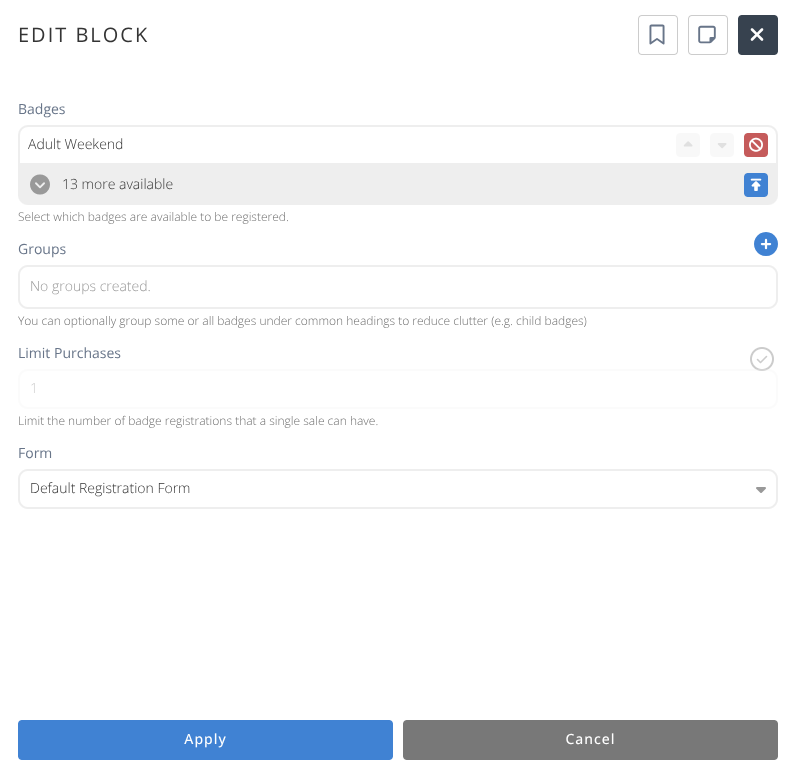
Note: This Common block cannot currently be added to any page, but is here for future development.
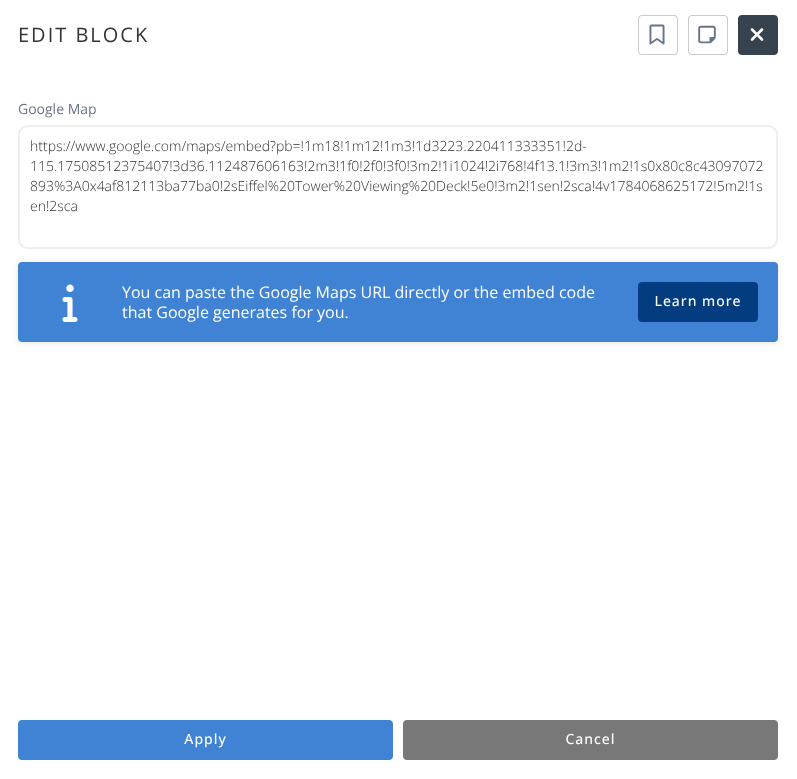
Embed an interactive google map into your page.
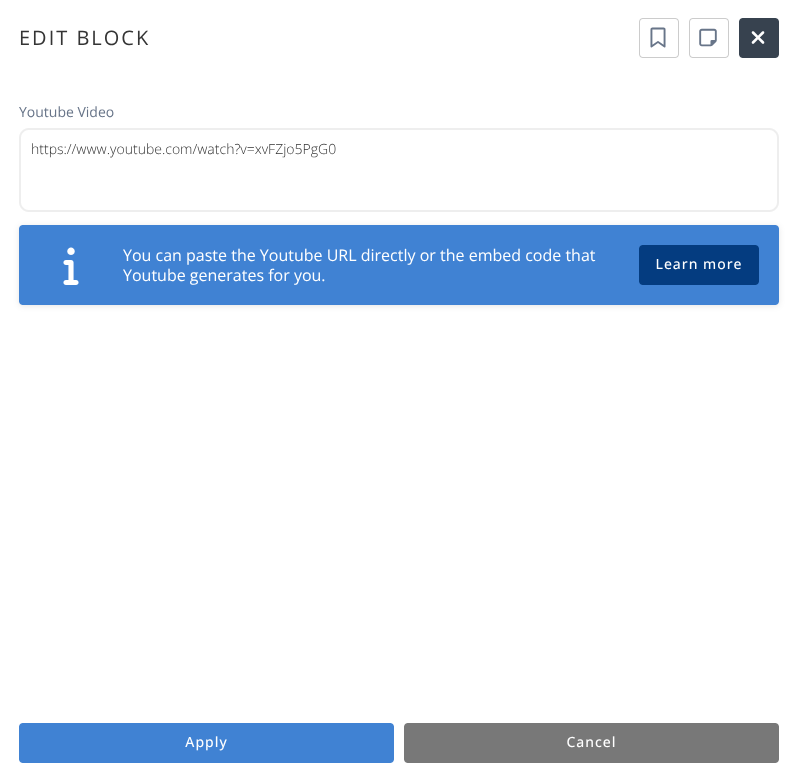
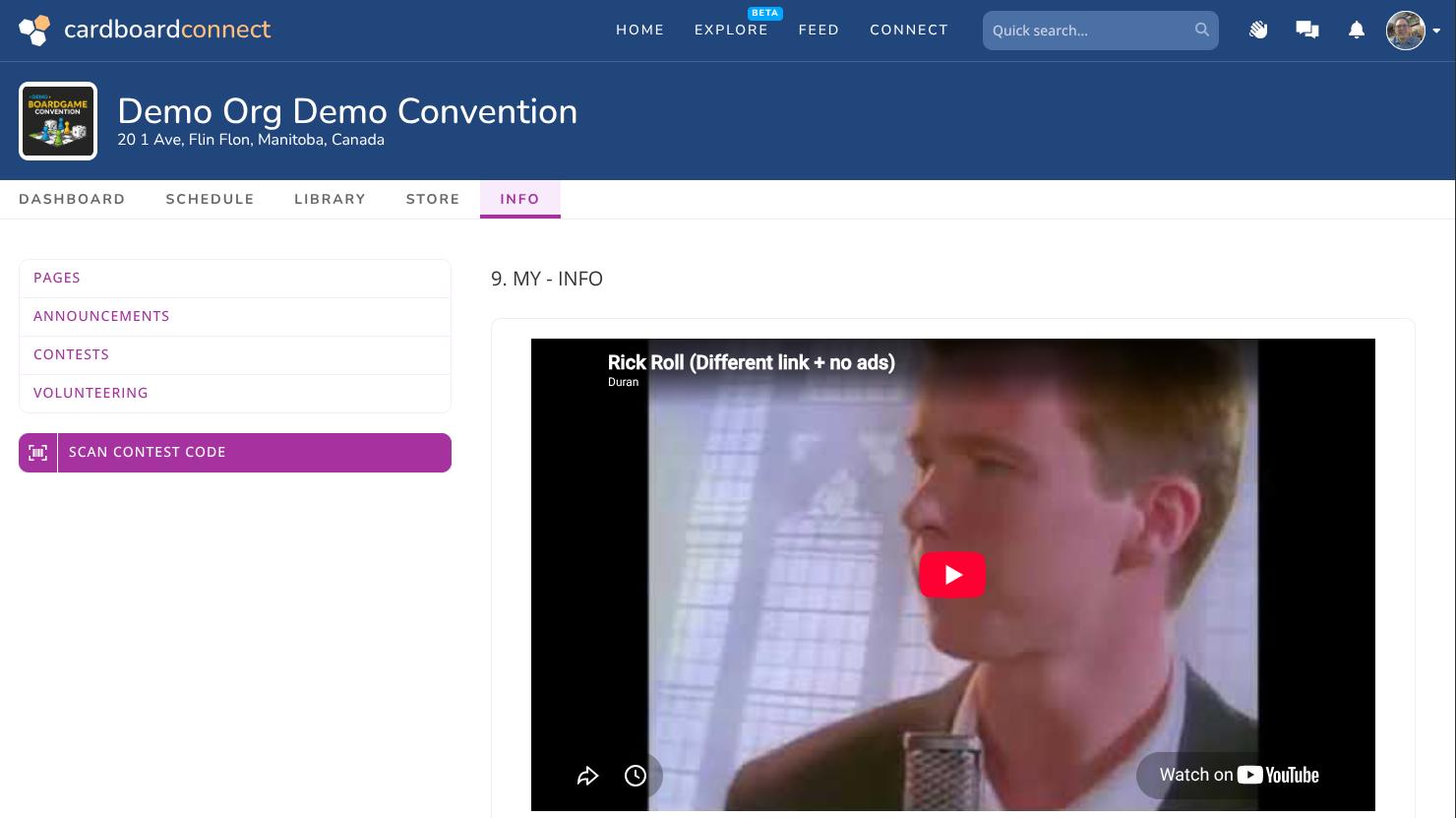
Embed a youtube video or other iframe into your page.

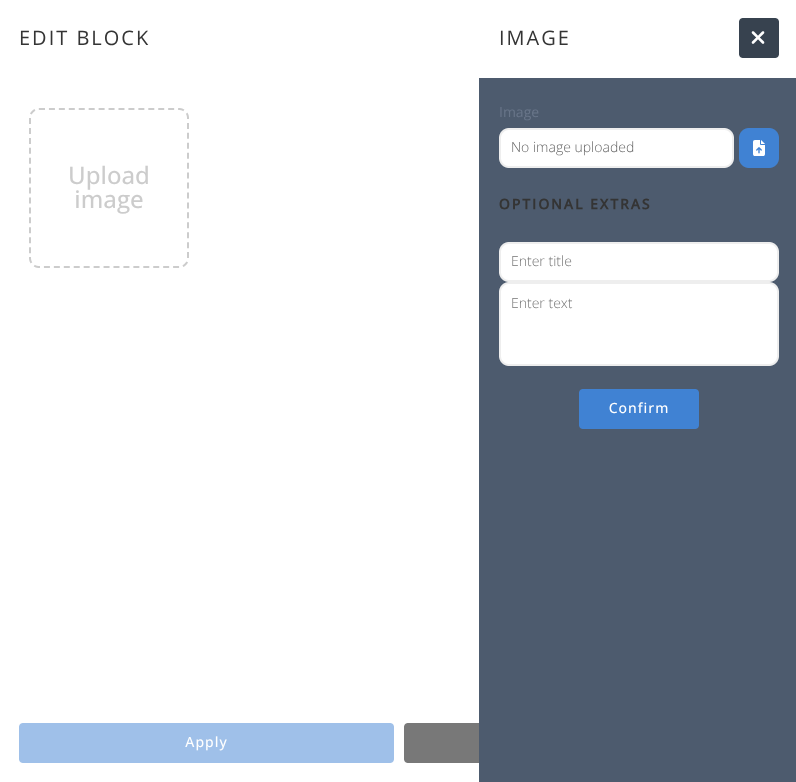
Add a gallery of images that can be enlarged for viewing.
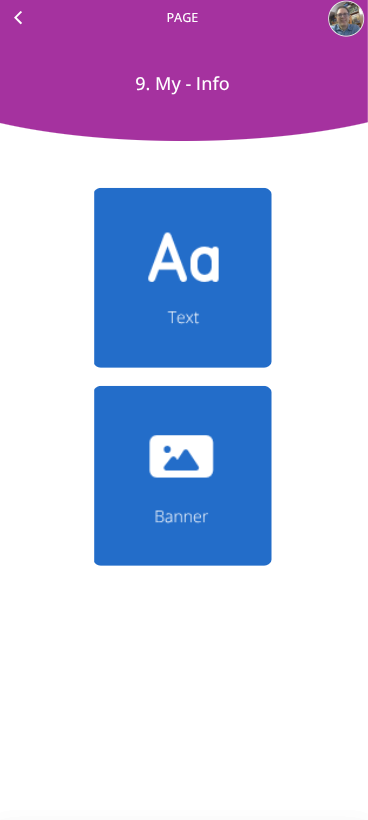
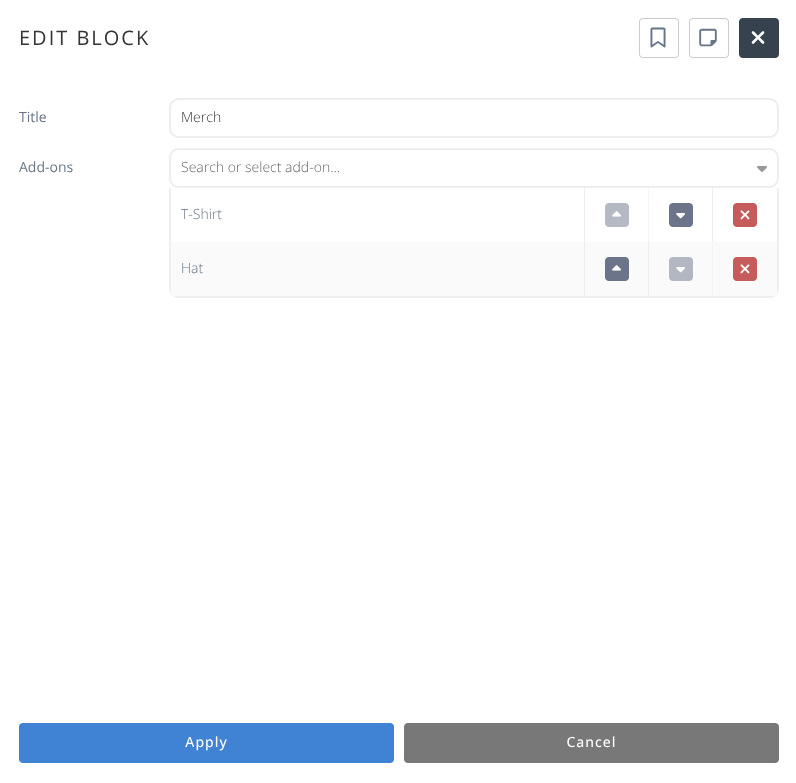
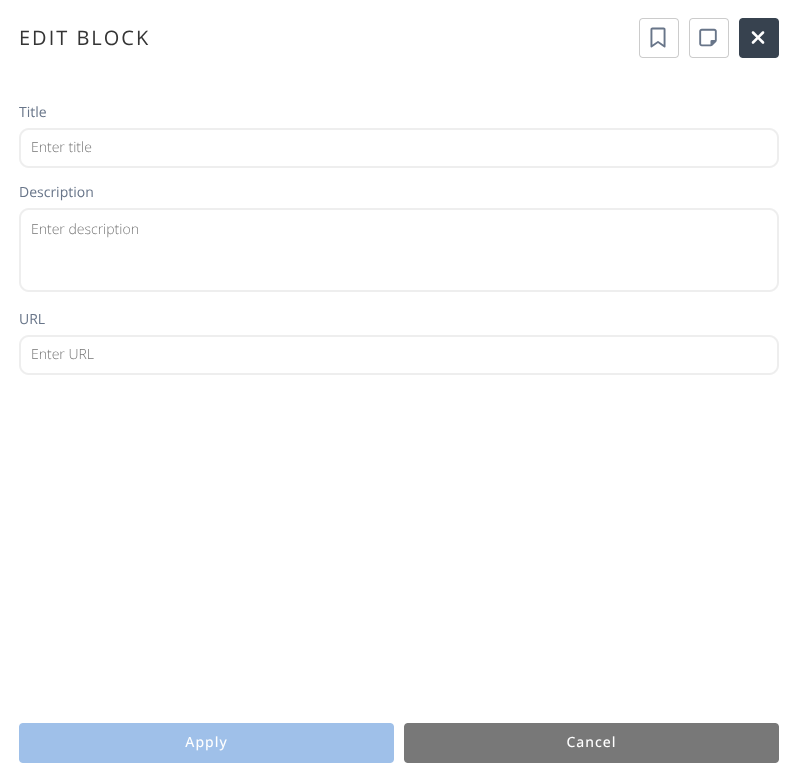
Add a featured link to navigate to.
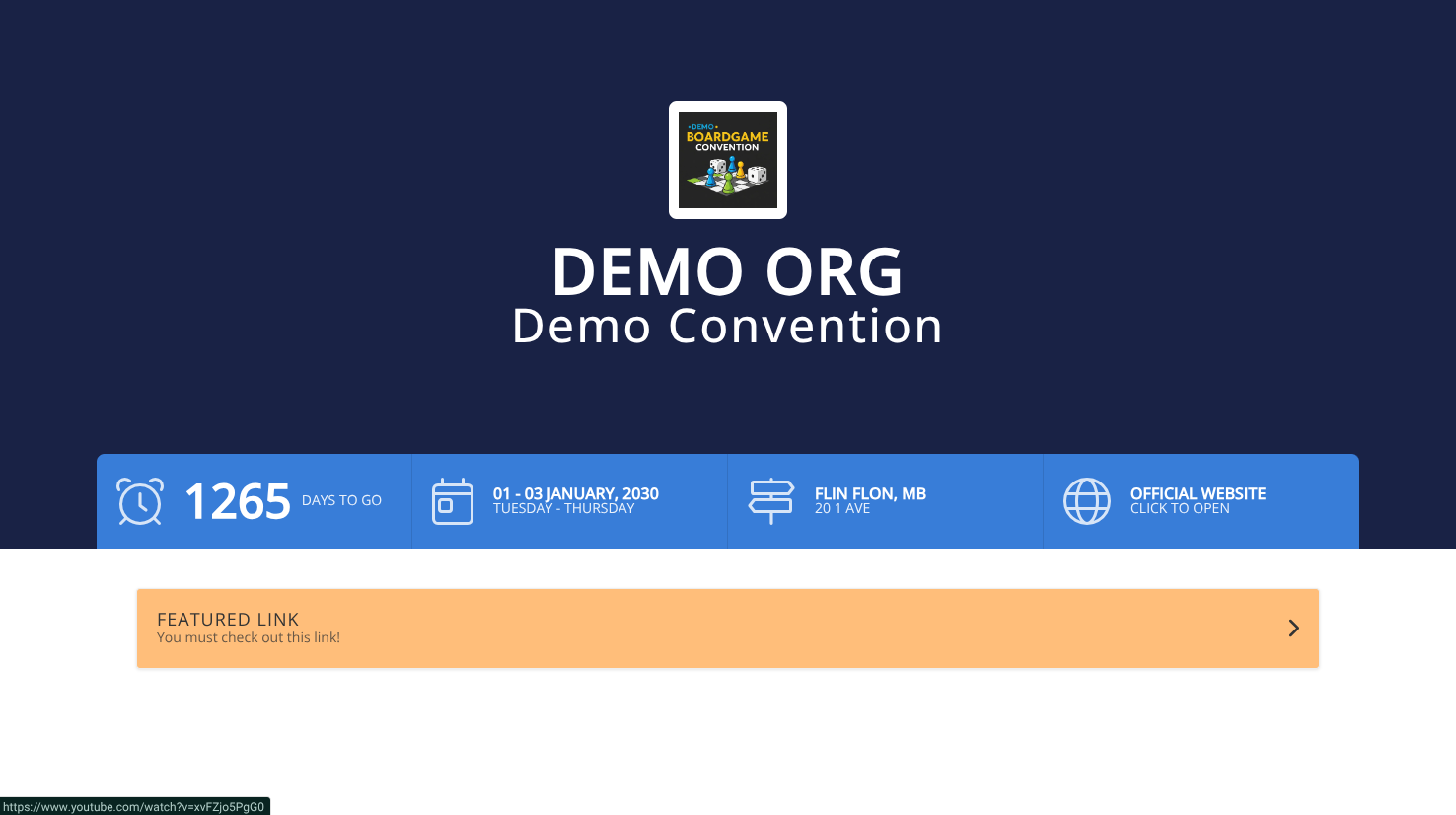
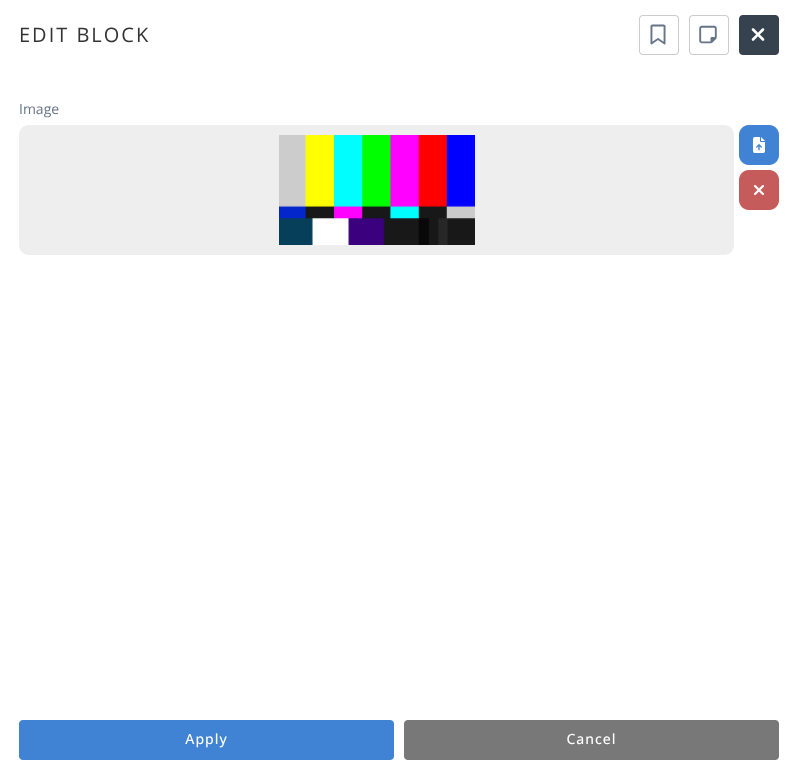
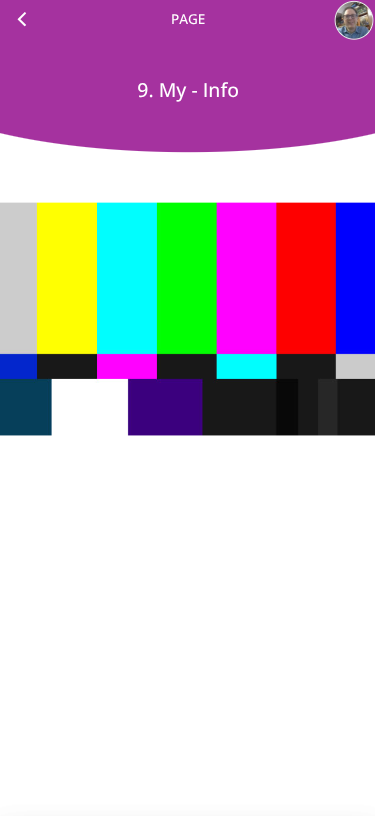
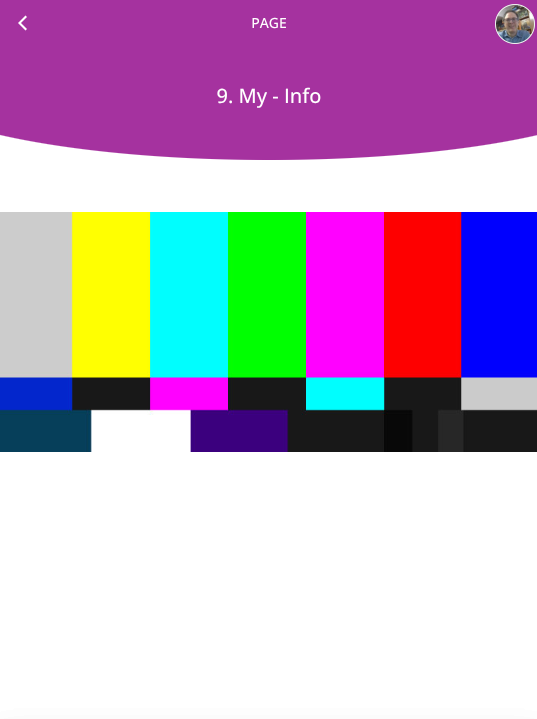
Big Images will display 100% of the uploaded image scaled to fit the width of the screen to a maximum of 100% of the height.





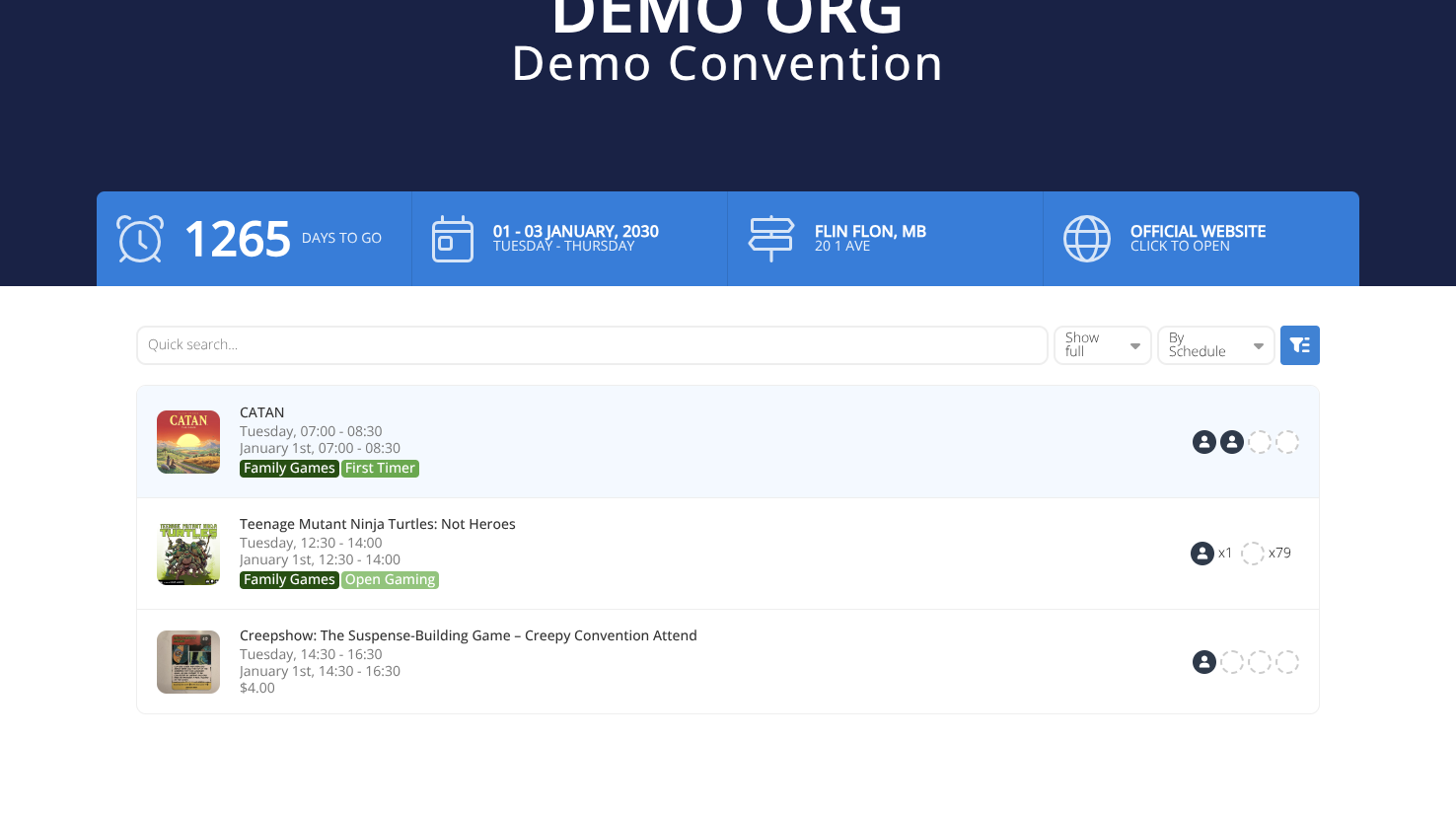
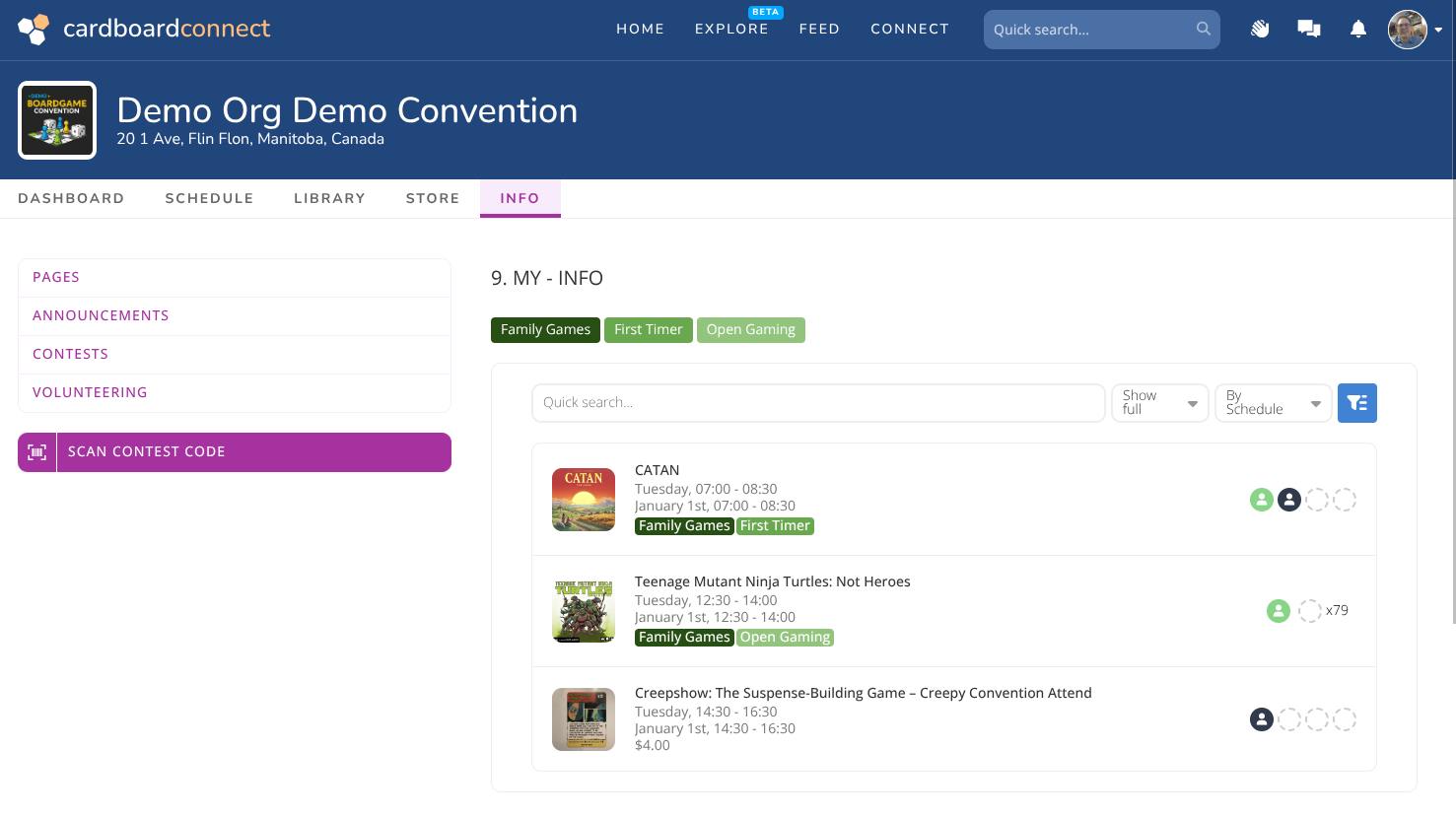
Add a schedule to your page

Add a visual view of how full spaces are in a room.