¶ Sign Up For Events
-
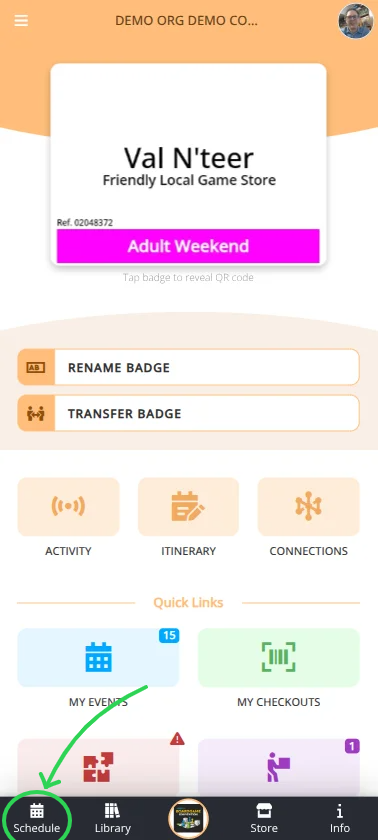
Login to the Android, iOS, or web app at cardboardconnect.com.
- Look for the button in the top right.
-
Select your convention and badge.
- Either from the context menu (where you clicked Login) or from the home page in the section.
-
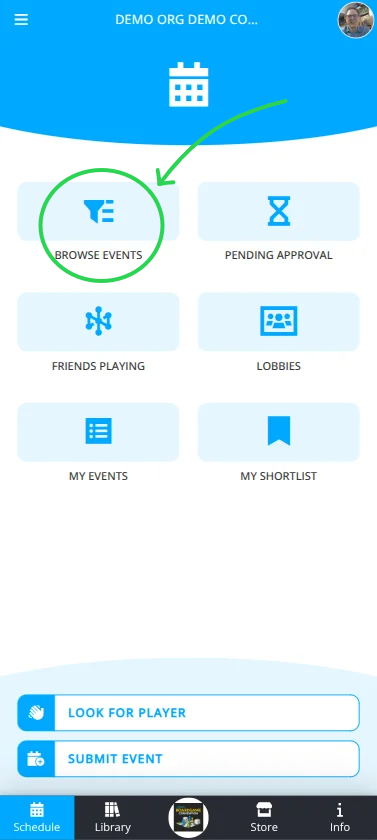
Navigate to the menu.
-
Choose your best option to display events, either:
View all events (additional filtering is available here).
Some events will be grouped into one or more Lobbies based on common topics.
View the events you are hosting or signed up for.
-
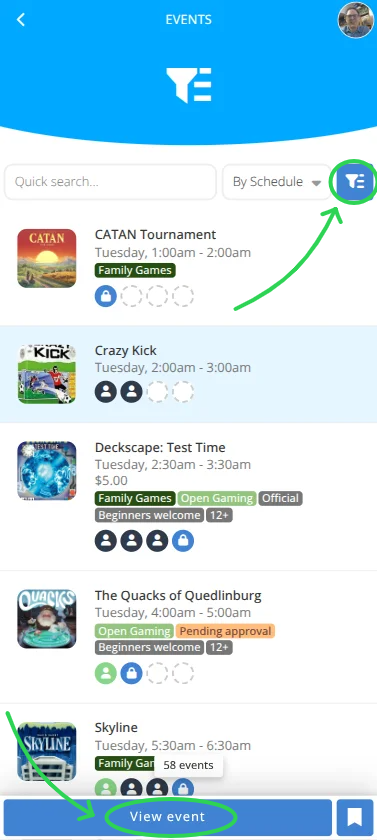
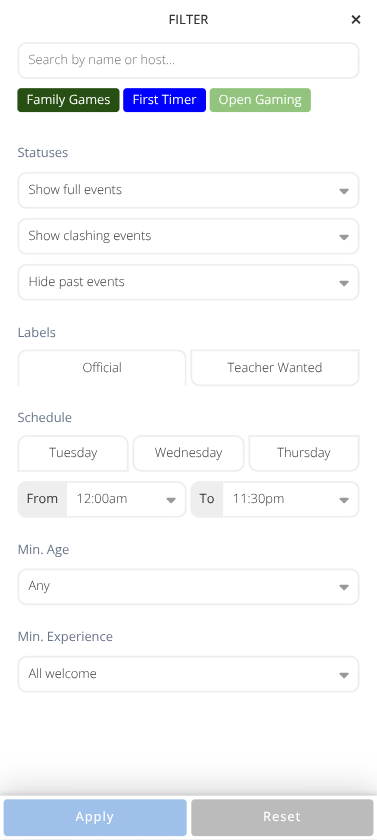
Use the Quick Search...", Sorting Dropbox, or Filter to show the events you want to see.
-
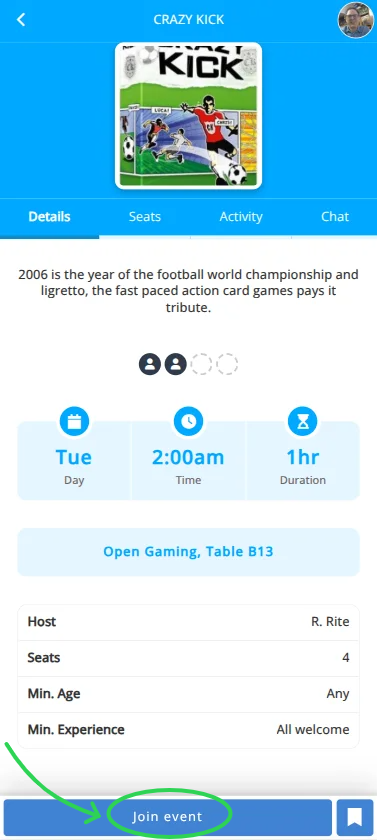
Select the event you want to join from the list.
-
Click to see the event details.
Events marked with an exclamation Clashing with Schedule indicate that you are already signed up for an event that overlaps this one. -
Click to take a seat at the event or click to leave your seat.
-
To Shortlist an event for quicker lookup click the Add to Shortlist button.
Note: If the event is ticketed you will be prompted to use a generic ticket or purchase a ticket to complete the process.
Due to current app limitations financial purchases can only be completed on the website.